
Where to buy
Currently it available only in Microsoft Flight Simulator Marketplace (both 2020 and 2024) for $9.99. In FS24 it has rent options, free trial will be available only after FS24 native conversion (technical limitation).
ATTENTION!
This is a work-in-progress project. Please read carefully what already implemented, and what planned.
Overall it is a fully working aircraft with most glider-related simulator features used – WWISE sounds made by records of actual aircraft, modern flight model accurate enough to get familiar with the glider capabilities, precise control elements and gauges behaviour, navigation app suitable for soaring tasks. But we have plans to make it even better, adding various features and applying improvements.
If you are willing to get THE FINAL product, please wait for further announcement of the v1.0 release. Free trial of the FS2020 Blanik will be available in FS24, but native conversion will be done months later once most of the planned work is complete.
Visuals:
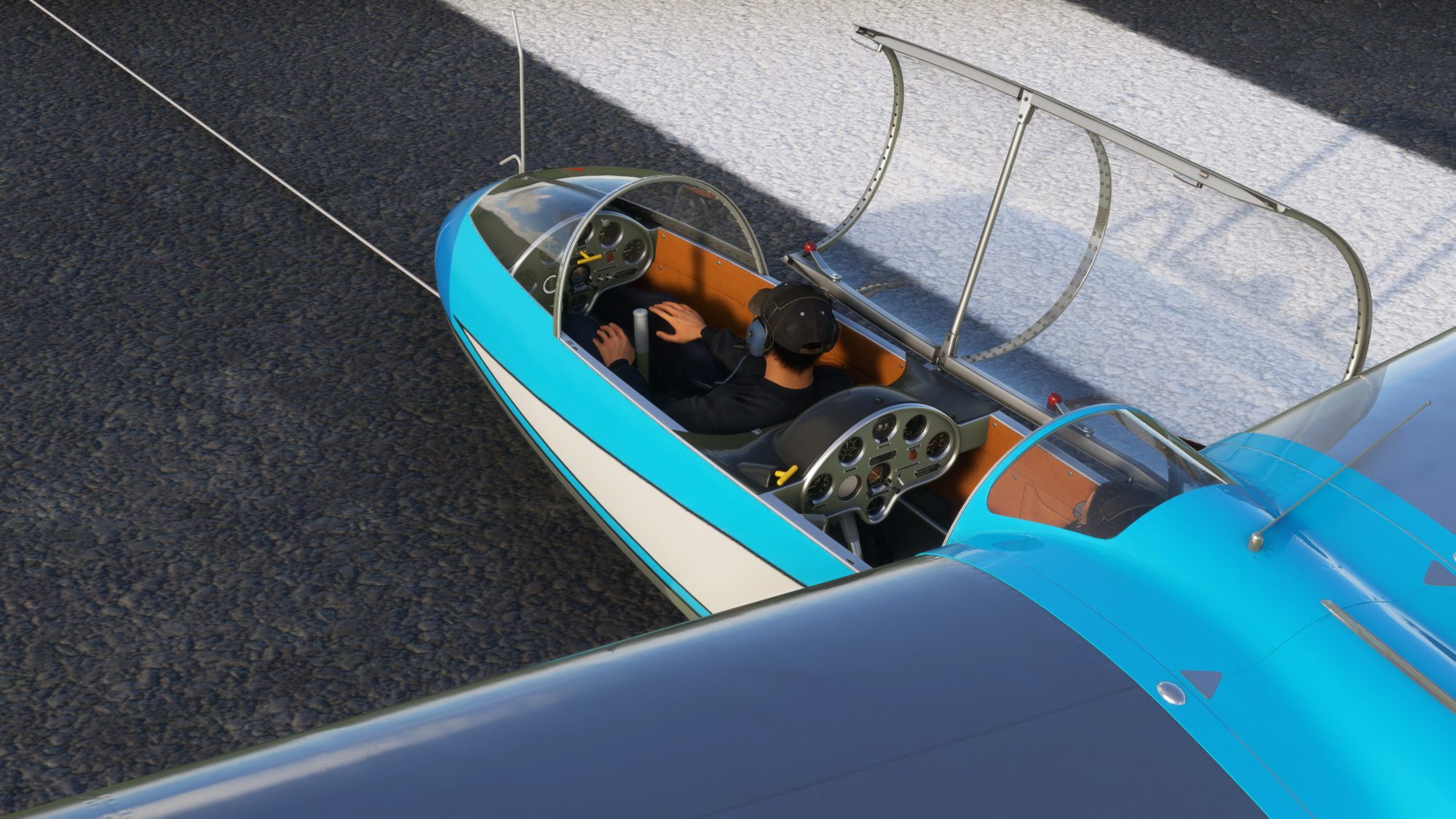
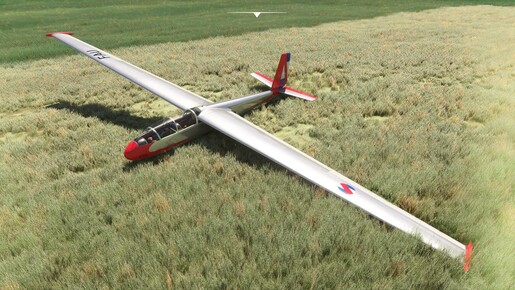
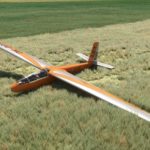
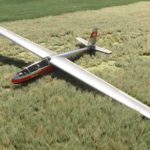
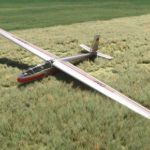
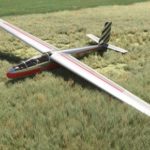
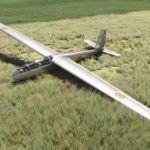
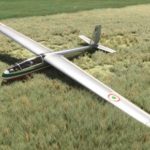
Fully native MSFS model featuring 4K materials, all dimensions taken from real aircraft
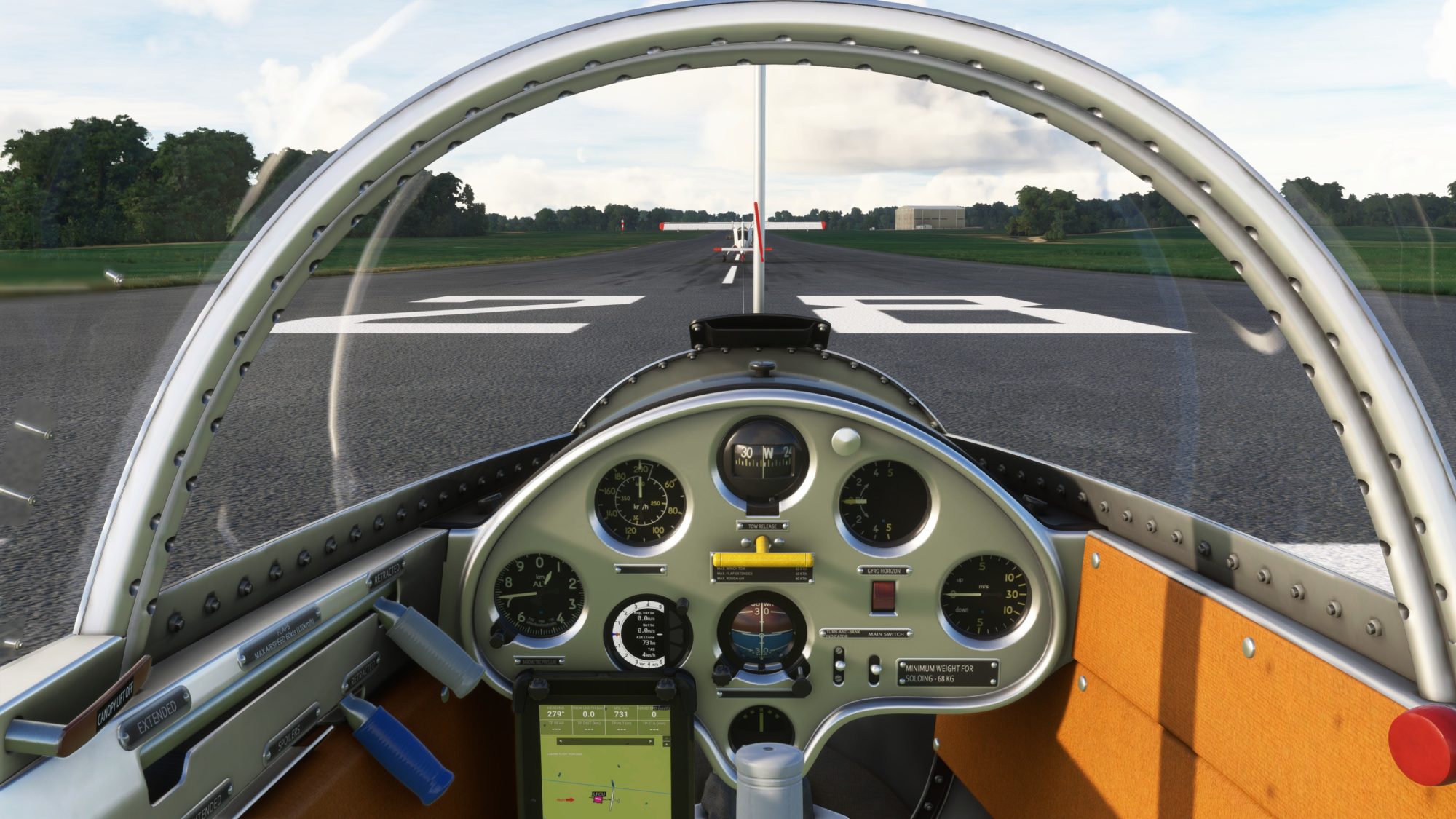
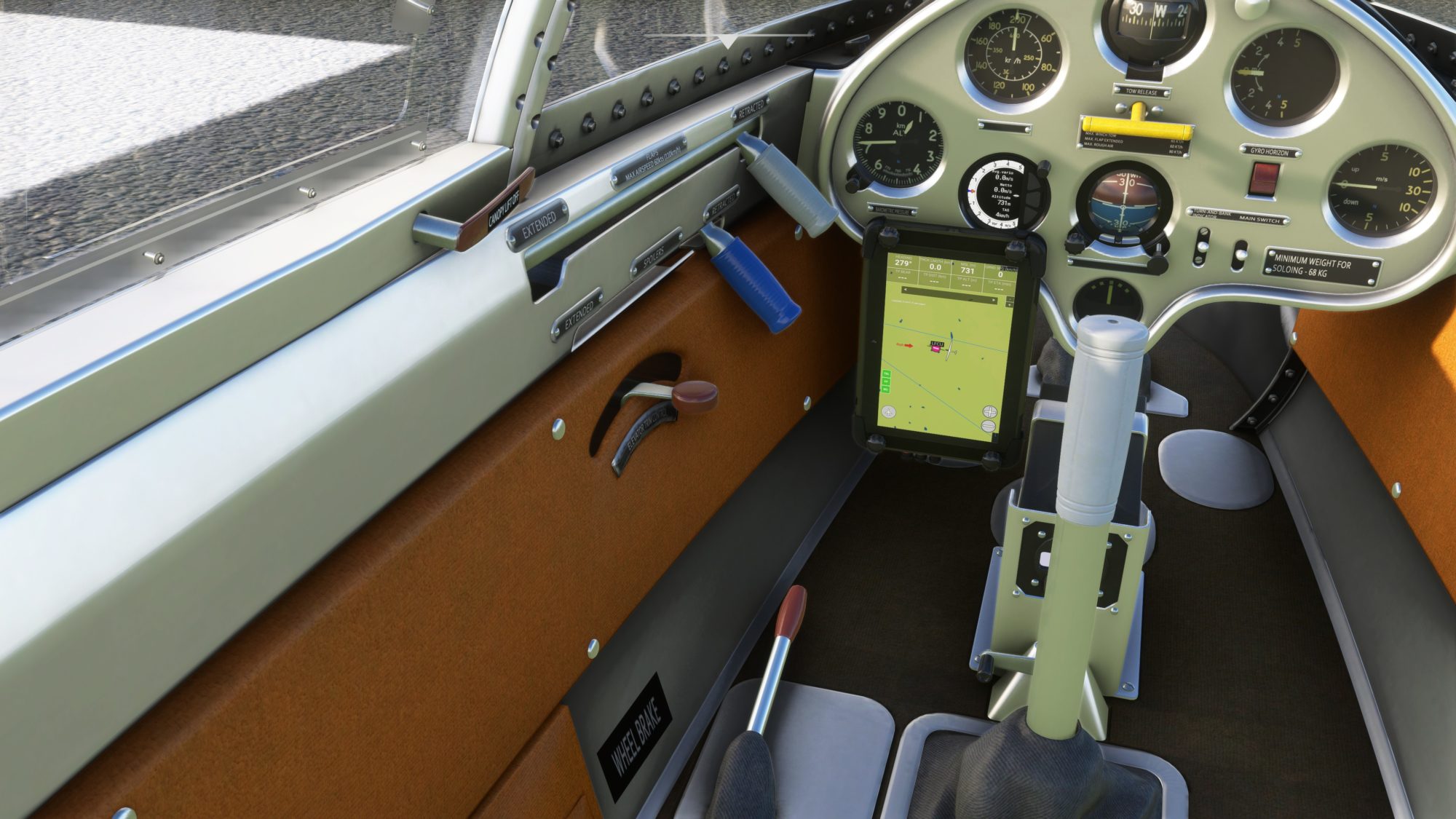
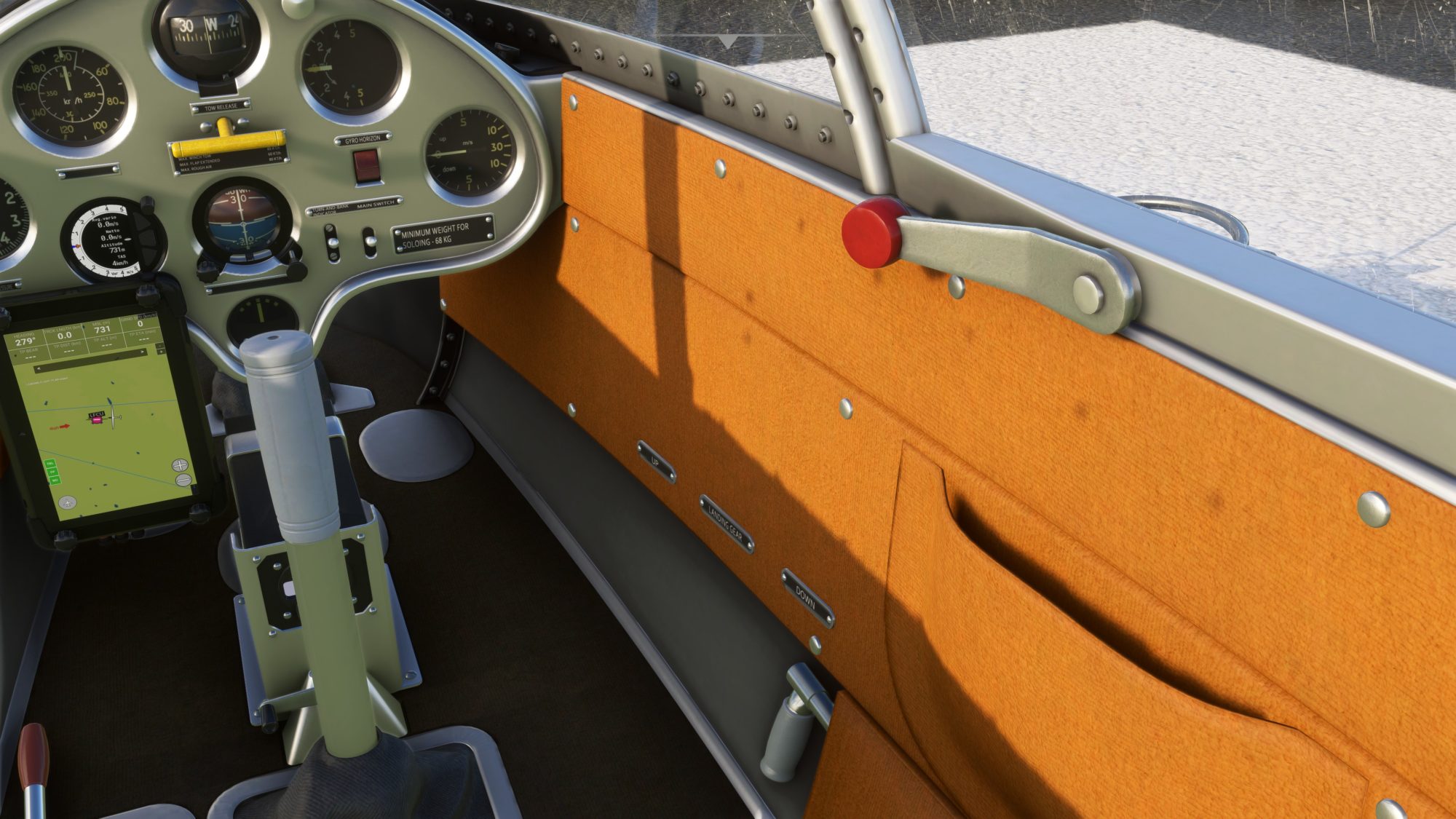
Accurate cockpit with realistic gauges and levers animation. Only the front seat is simulated, the back seat to be added soon You may notice a lack of cockpit wear and tear, which will be added later
Instruments:
Accurate electrics and mechanics simulation. Navigation tablet provides basic maps, glider trail with lift indication, aircraft information like airspeed, altitude, track length and task information (each cell can be clicked to select the value you need). Further improvements are planned, so feel free to share your requirements and ideas.
Special feature – NMEA data export, is in BETA state and available only for Android devices owners. Yep, works on Xbox.
Liveries:
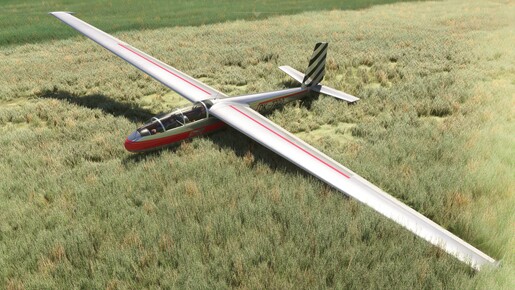
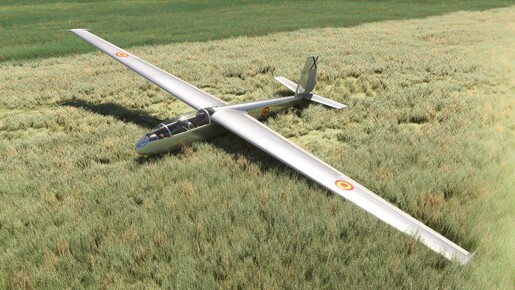
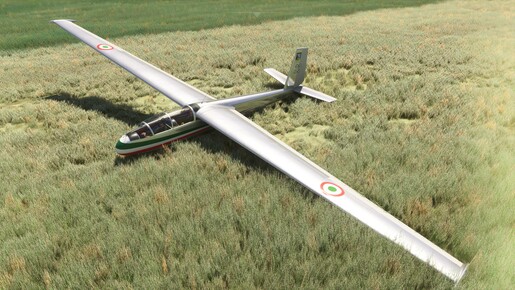
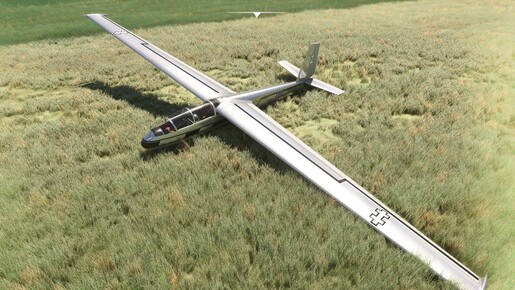
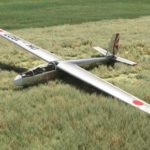
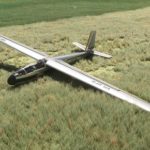
20 historical liveries included into package. 5-10 more liveries may be added in the future, but unlikely we will set a goal to cover every known gliding club.
Sounds:
All the sounds taken from real aircraft, as an attempt to make it authentic. Some volume adjustments and fixes can be applied later based on the community feedback, right now I am quite happy with the result.
Flight Dynamics:
All the dimensions and performance values are configured as accurately as possible compared to the real aircraft. A lot of adjustments were made to make it feel like a real one, however various aspects may not perfectly match the original – like polar curve little underperformed, aerobatics capabilities are questionable, stall spin not so perfect. Flight model improvements are in the plans but may take up to half year to be fully completed.
Soaring tasks (FS2020 ONLY):
To add some meaning to this aircraft (especially for console owners), soaring tasks will be added into the package. Due to the sim limitations, they are named \”tutorial\” and have some features disabled during the flight (like weather toolbar or 3rd party add-ons). We will add tasks to cover some of locations related to provided liveries, so check the tasks list with each add-on update. You can find tasks under ACTIVITIES – CUSTOM CONTENT – TUTORIAL section.
Towplane:
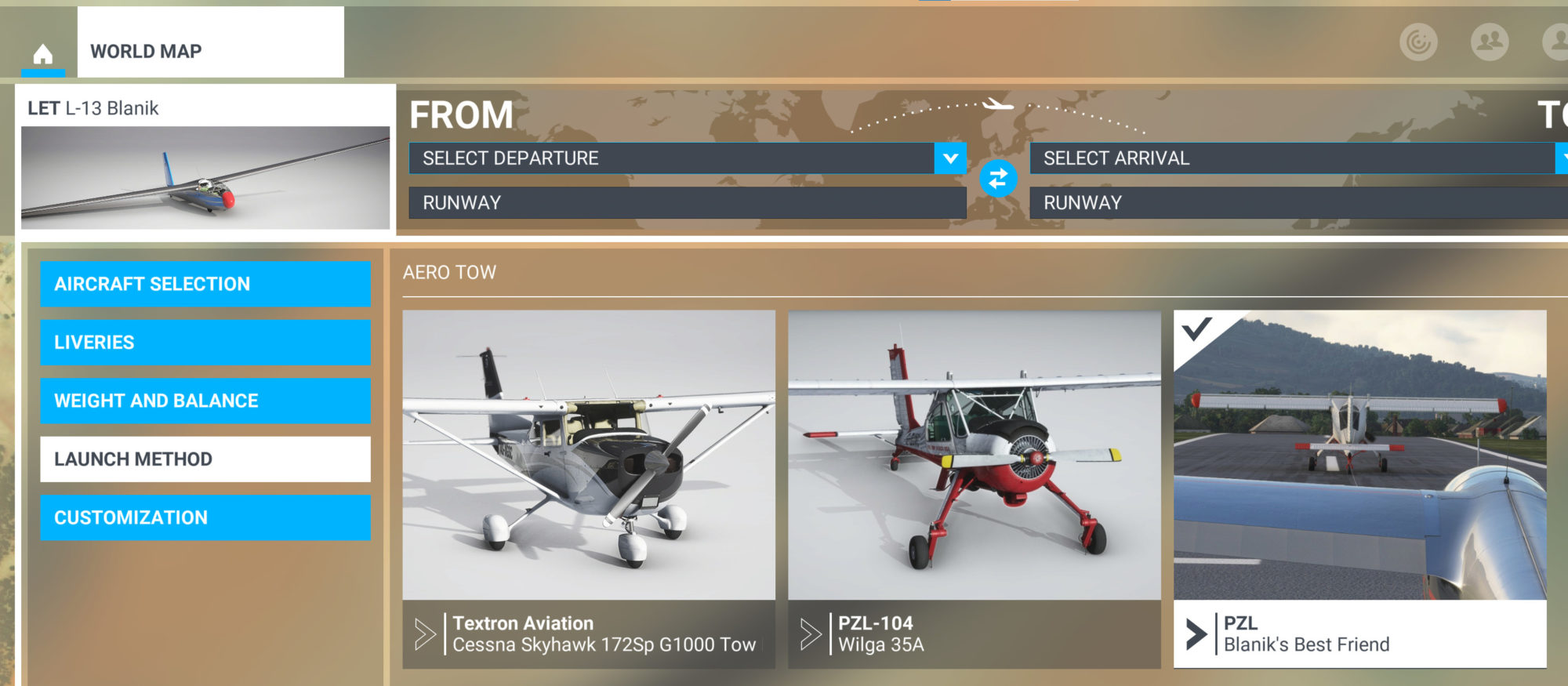
Sadly, the default towplane still acts weird in MSFS2020 and sometimes does not work at all (too short runway is a common issue). We have added a custom Wilga towplane (codename -Blanik’s best friend-) which has some issues fixed – like unexpected stop during takeoff, low level flight, overspeed. Major issues, like low terrain awareness or flight plan disrespect, still exist and can’t be covered with simple aircraft script. This towplane is set as default, also it is available in the LAUNCH menu list before take off. Due to the sim issue, this towplane appears in the list of playable aircraft – please ignore its presence.
Pre-flight walkaround (FS2020 ONLY):
To make your flight experience even more realistic, bracing removal is available if you choose apron as flight departure point,required triggers added into checklist. Once unbraced, manpowered towing will happen, use joystick and rudder pedals to move your glider to the runway, then toggle tow handle to request towplane.
FS24 compatibility:
FS2020 Blanik has various compatibility issues like incorrect aerodynamics center which was fixed by placing nose ballast, some map glitches and sounds played not exactly the same. Overall it is flyable, but use FREE TRIAL first to ensure it is good enough for you, if not – wait for the native update.
L-13 Flight Manual
All the information about controls, avionics and flight behaviour will be helpful for you:
English: l-13_blanik_flight_manual
Russian: Бланик РЛЭ
Czech: Letova_prirucka_L13_Blanik
Paintkit
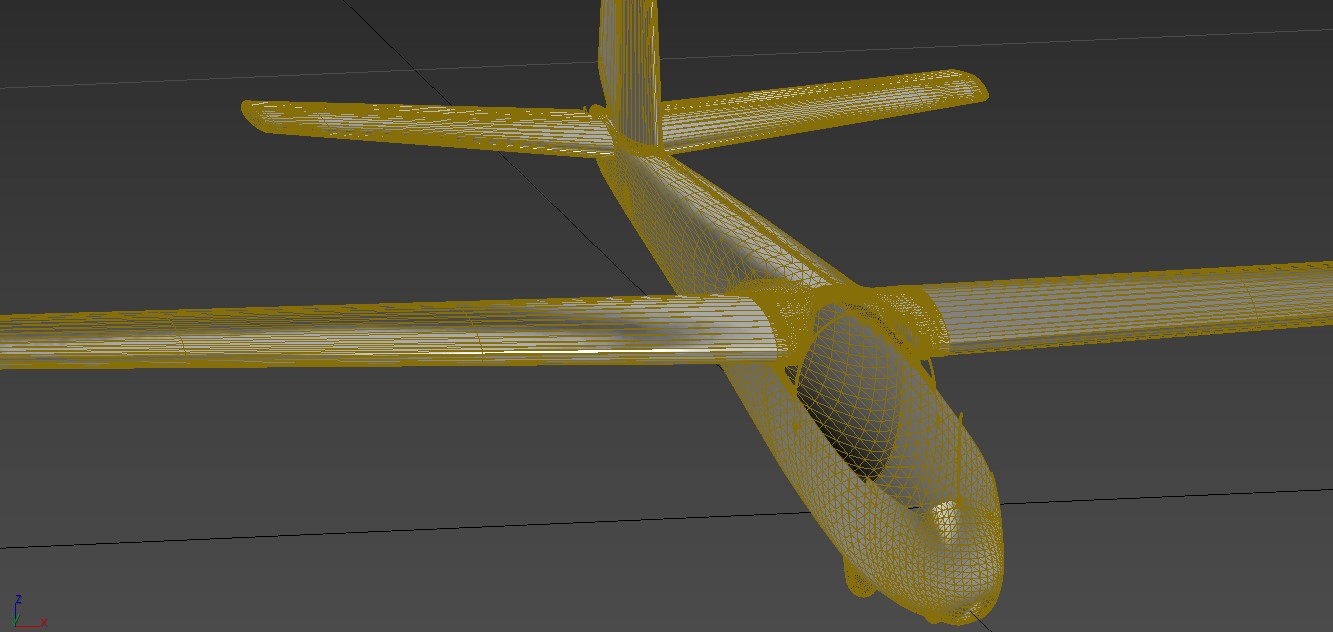
Contains exterior model in two formats – 3DS MAX 2021 and Blender 3.6. MSFS materials plugins required to see attached materials.
Full pack of exterior textures, with COMP texture compilation script (requires ImageMagick to be installed).
https://drive.google.com/drive/folders/1cNIFZ-WcGT8mAJssd7d8QC_20Ia4Nith?usp=drive_link
Custom Towplane
Before the flight, you may choose custom Wilga towplane we made special for this project. Please do not choose the wrong one made by GotFriends – our calls Blanik’s Best Friend (Blanik is on the thumbnail).
Fixed issues:
– on short runway, towplay stops shortly after start running
– during takeoff towplane can’t hold the course
– in mid size runway, towplane reach the end and stops
– during the flight, towplane dive unpredictably
Some issues still remain, like poor altitude awareness.
![]() MSFS to NMEA data link
MSFS to NMEA data link
To configure NMEA data export script in Blanik you have to install the app on your mobile device (separate apps for Android and iOS).
1. Install MSFS to NMEA app:
1a. Android – follow this link https://play.google.com/apps/testing/com.touchingcloud.msfs2nmea or scan QR code which is on the navigation tablet screen in MSFS. Install the app, blue app icon with glider image will appear on the desktop.
1b. iOS -Follow this link to join testing group https://testflight.apple.com/join/ZypsvSNH
Install TestFlight app from App Store (this is kind of “app store for beta apps”). Open TestFlight, click on the MSFS to NMEA tab, select INSTALL. Blue app icon with glider image will appear on the desktop.
Both apps in beta stage and may behave unexpectedly – crash, freeze, stay at background and consume power. You may delete the app while it not used. Report issues if you will find any.
2. Ensure that your mobile device is connected to the same router as PC/Xbox (either WiFi or LAN), and data exchange between clients is not blocked by firewall (usually don’t if you haven’t set your network as Public).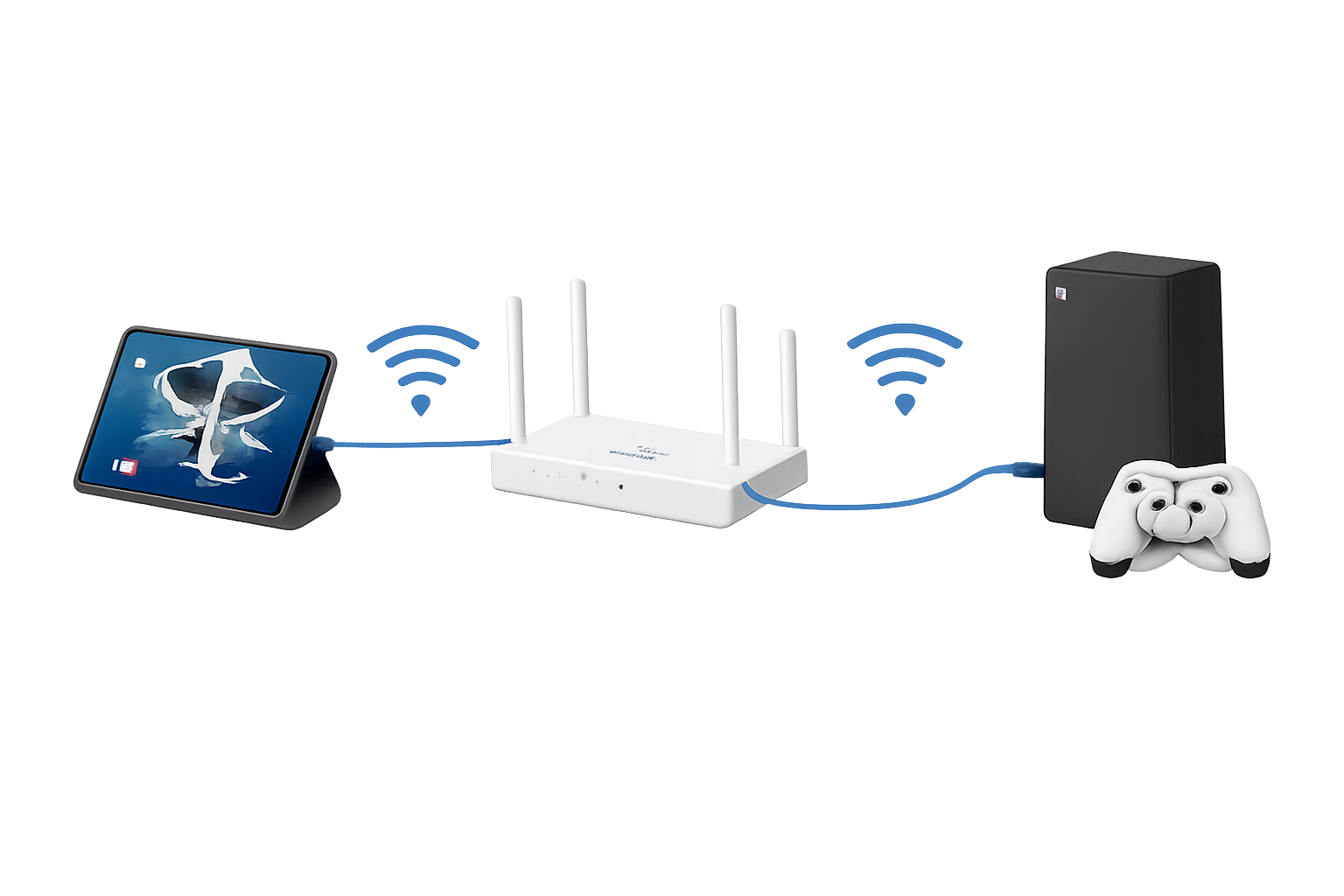
Configure MSFS to NMEA app
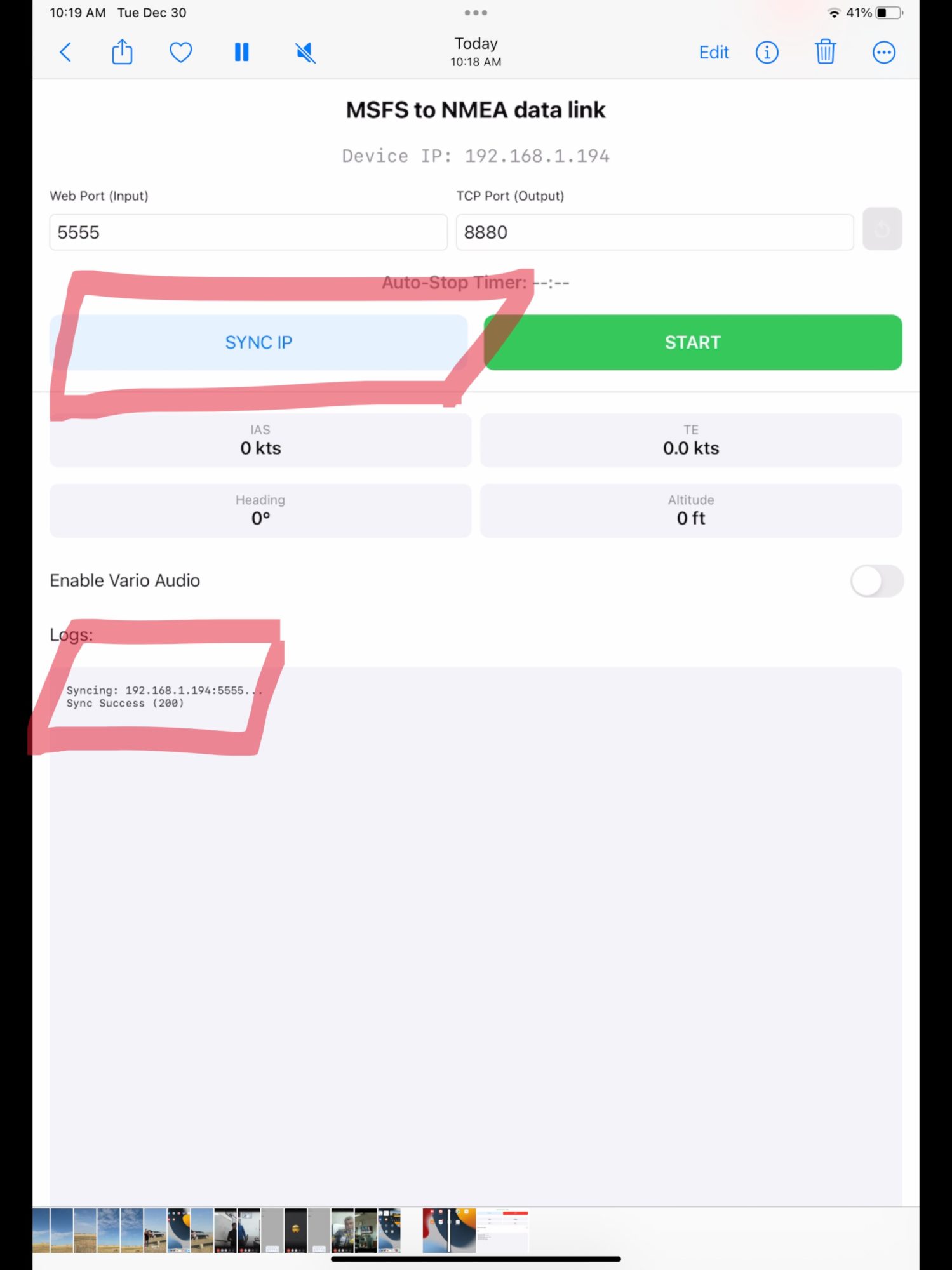
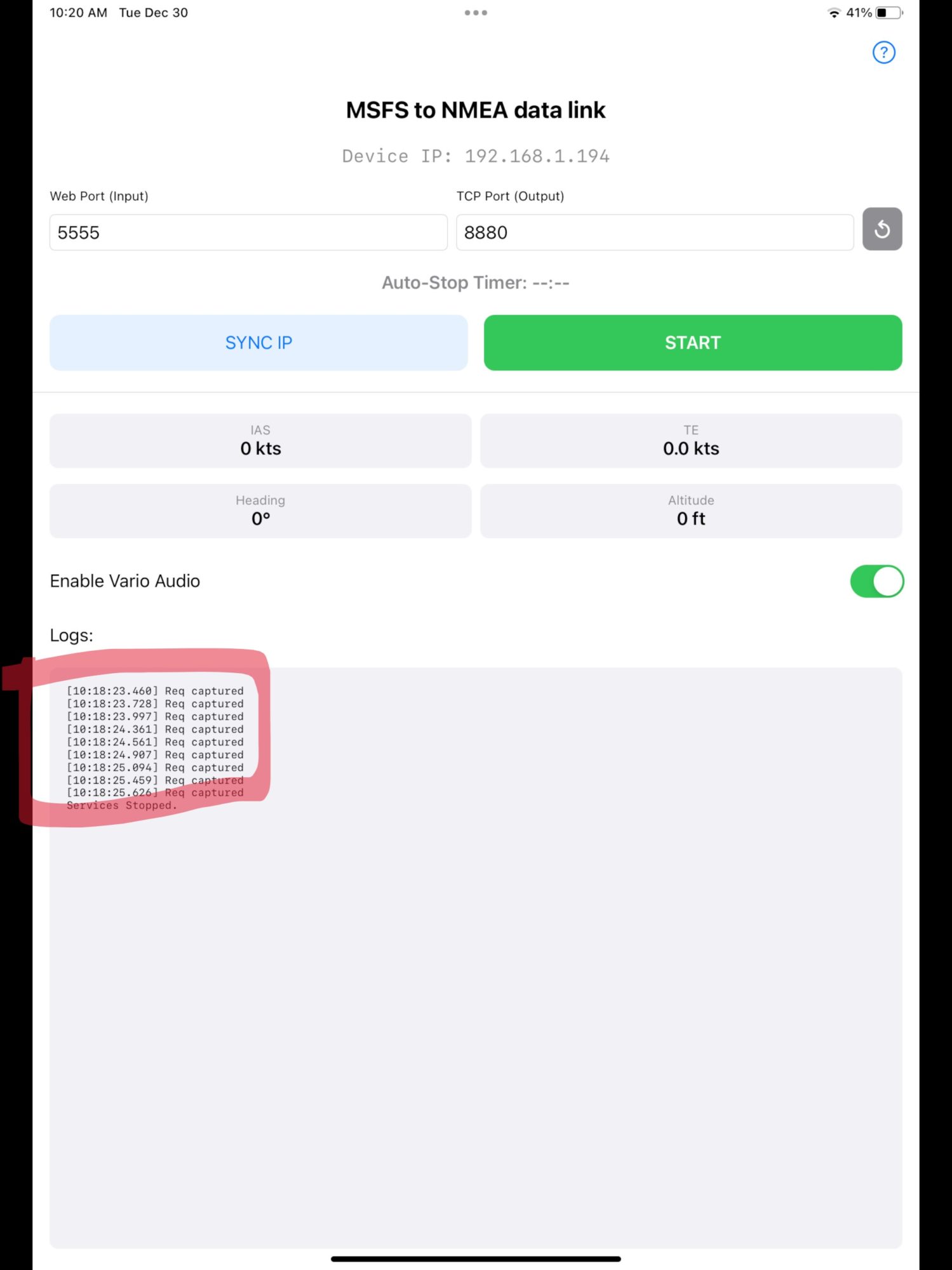
1. Launch app. Once loaded, it will try yo sync your local IP with server. If you see Sync Success in the log, everything went well. If not, fix connection issues and press SYNC IP.
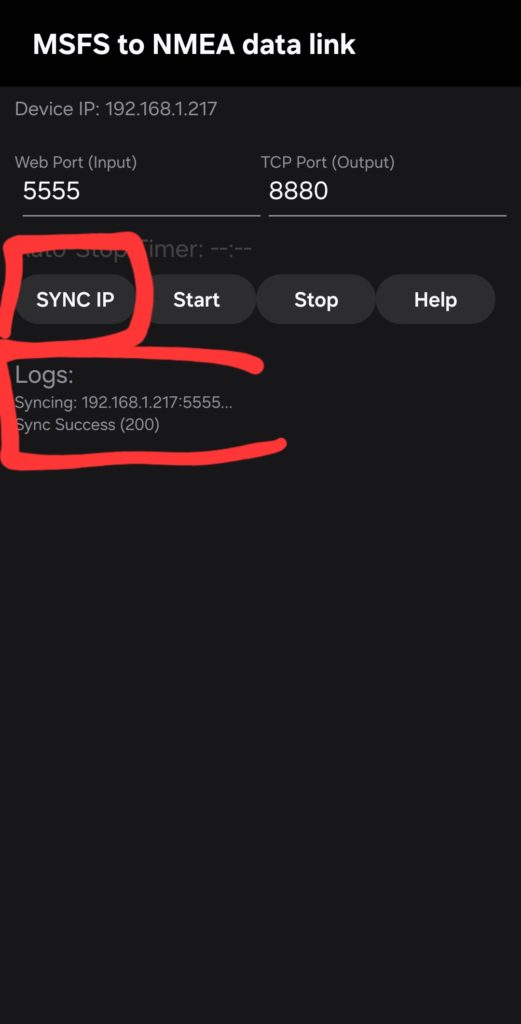
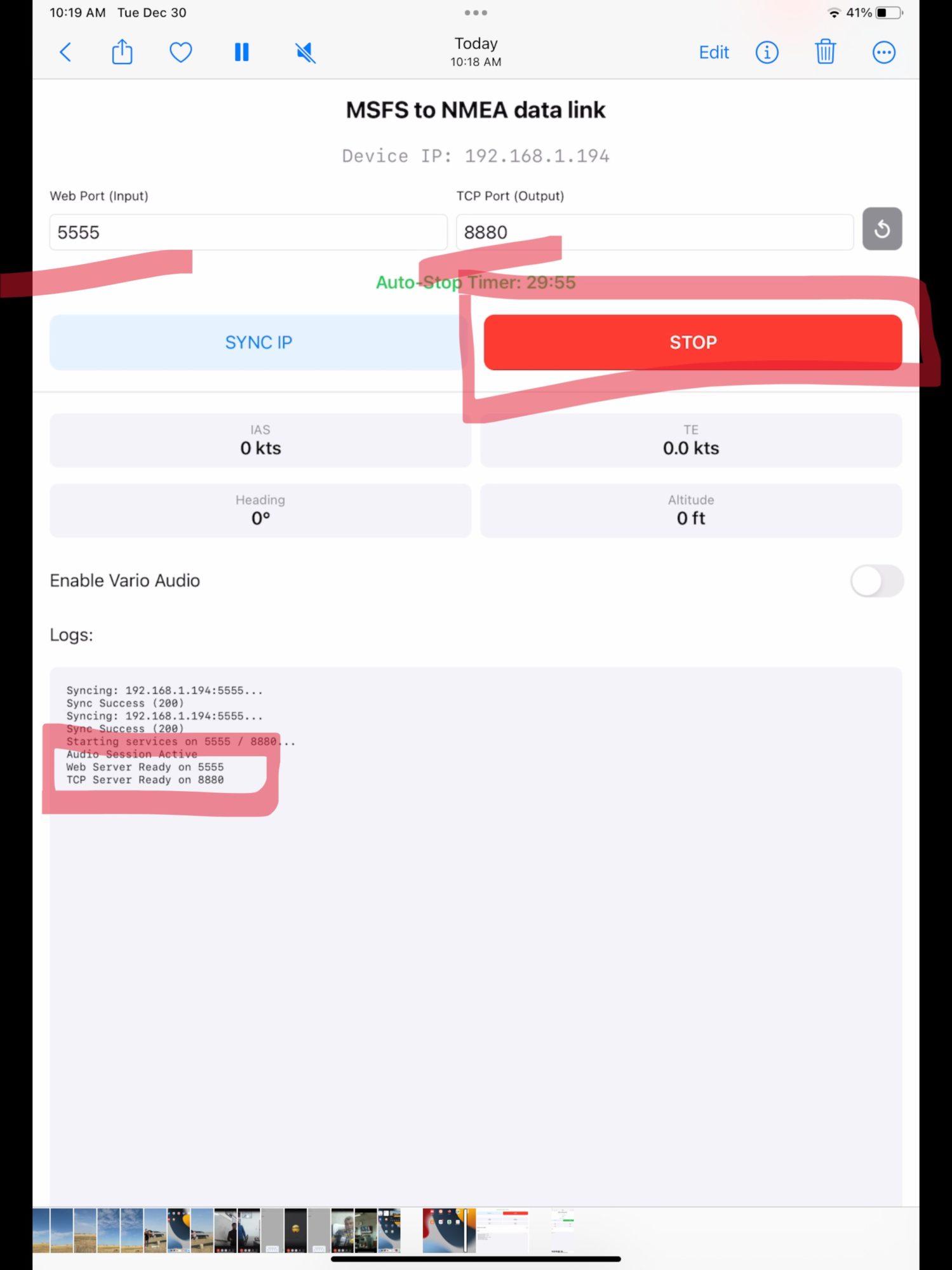
2. Press START button, Web Server OK and TCP Server OK should appear in log. If not, some of the ports are busy – change 5555 to 5556 for example, or 8880 to 8881. Press SYNC IP again, then START. 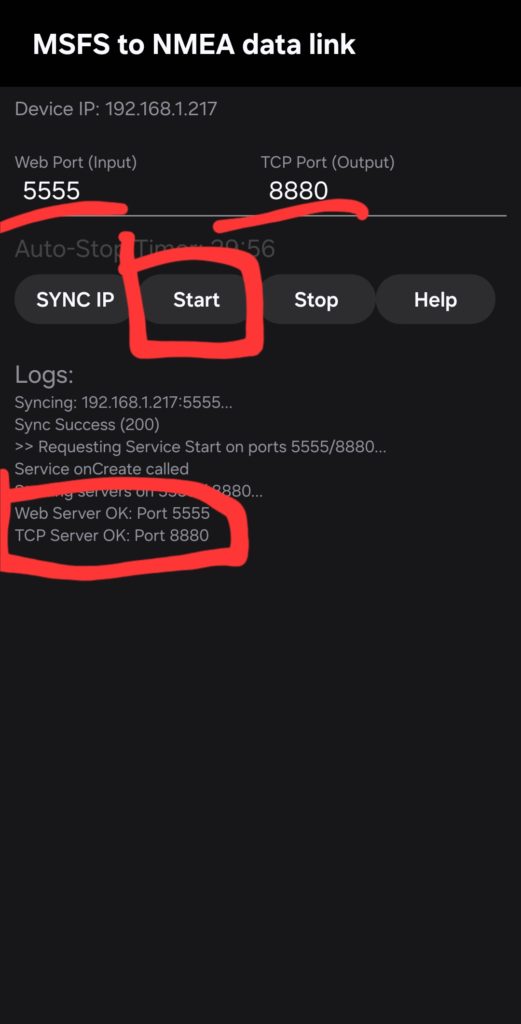
Configure MSFS nav tablet
1. Time to configure MSFS part. Start the flight with L-13 Blanik, activate the navigation tablet (right pocket click), click on the NMEA icon in the bottom left corner of the screen.
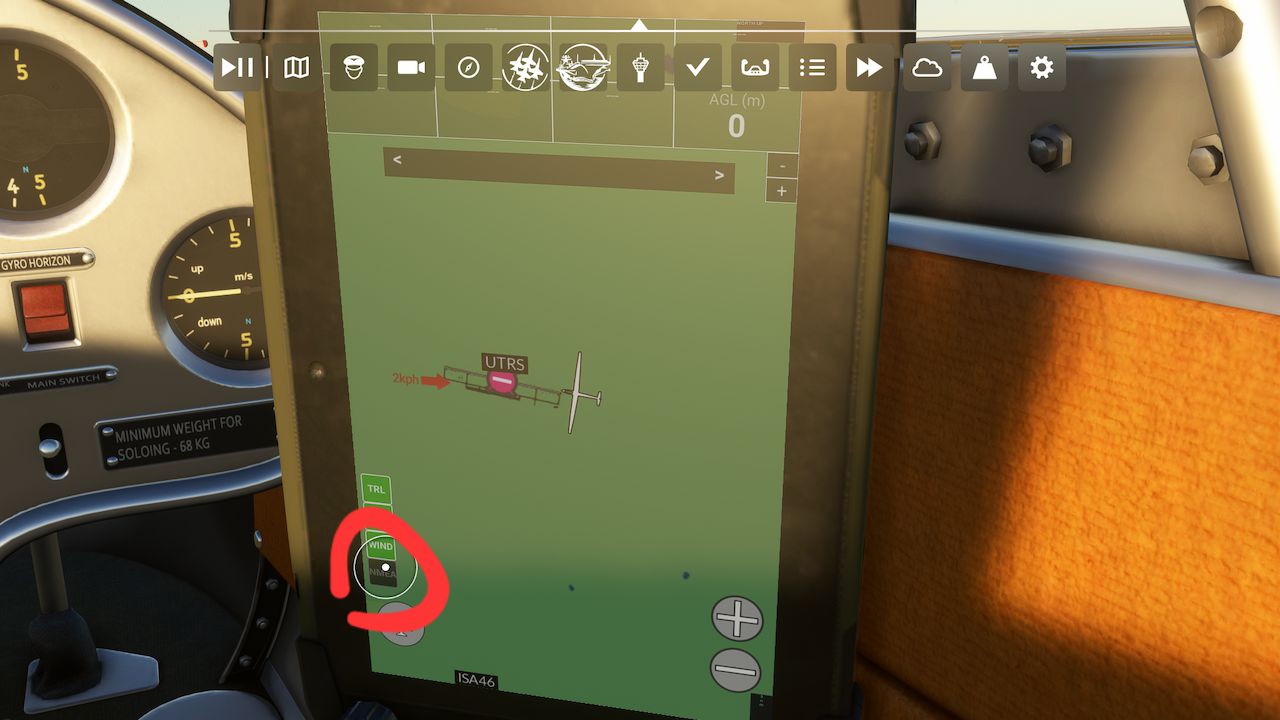 2. Press the SYNC IP button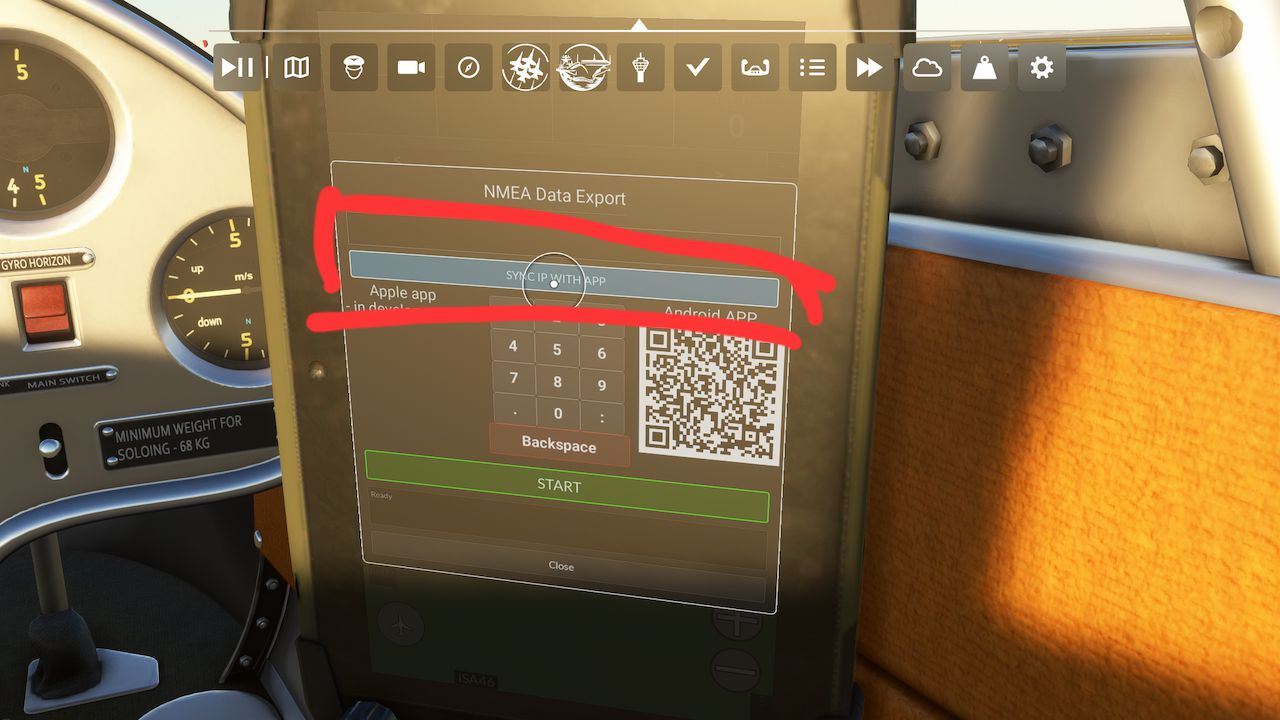
3. If it went well, you will see your local IP and correct port in the field. If not, try to fix connection issues, or type IP by hands using keyboard. Then press START button
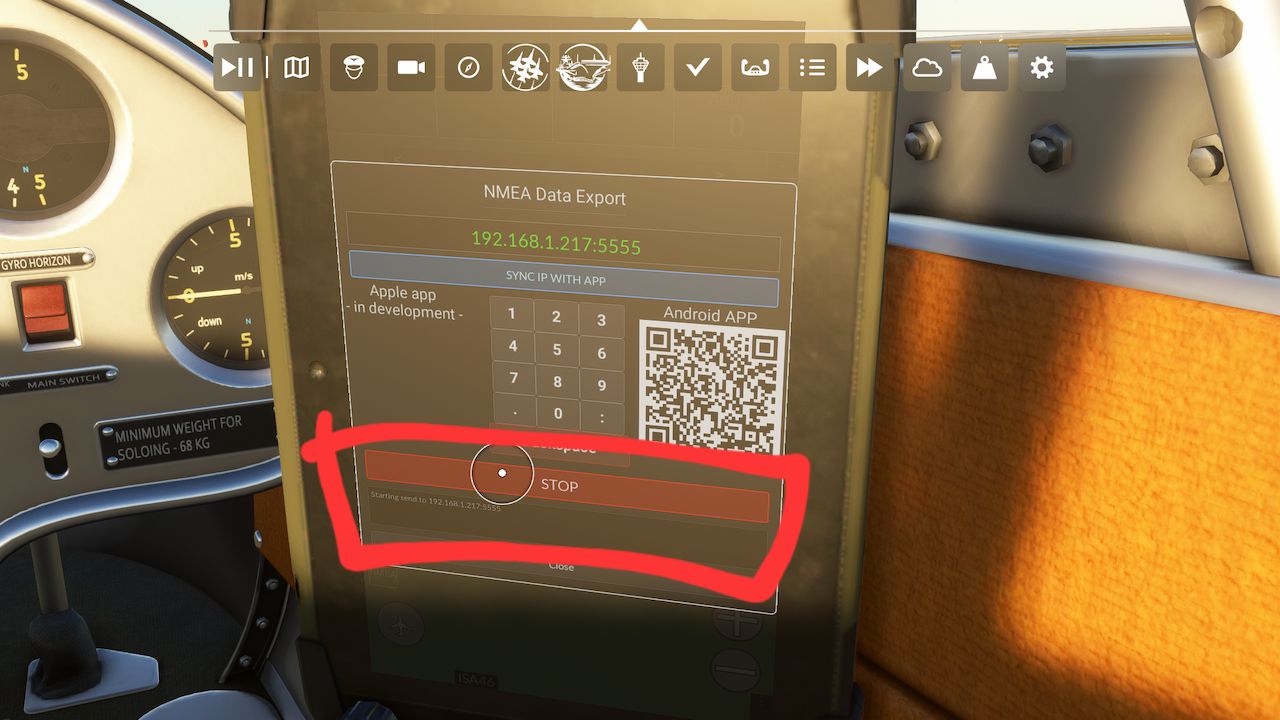
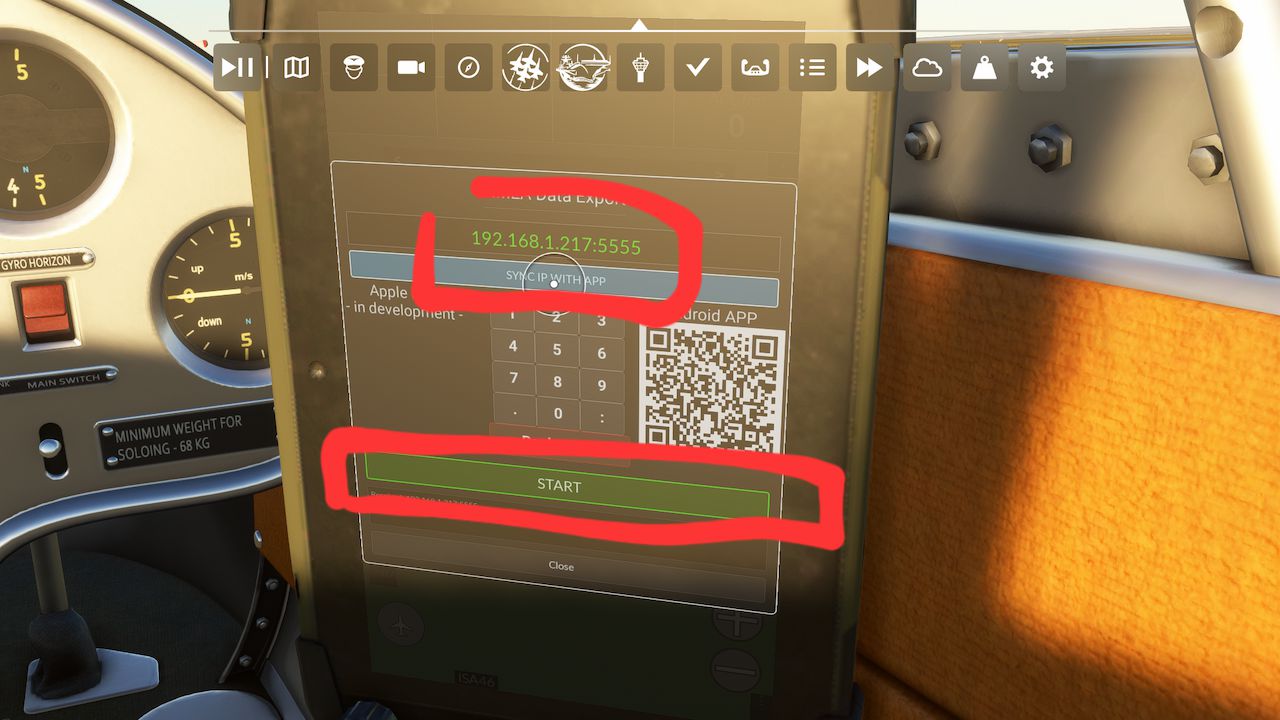 4.Starting send to x.x.x.x will appear in log if everything okay, button became red.
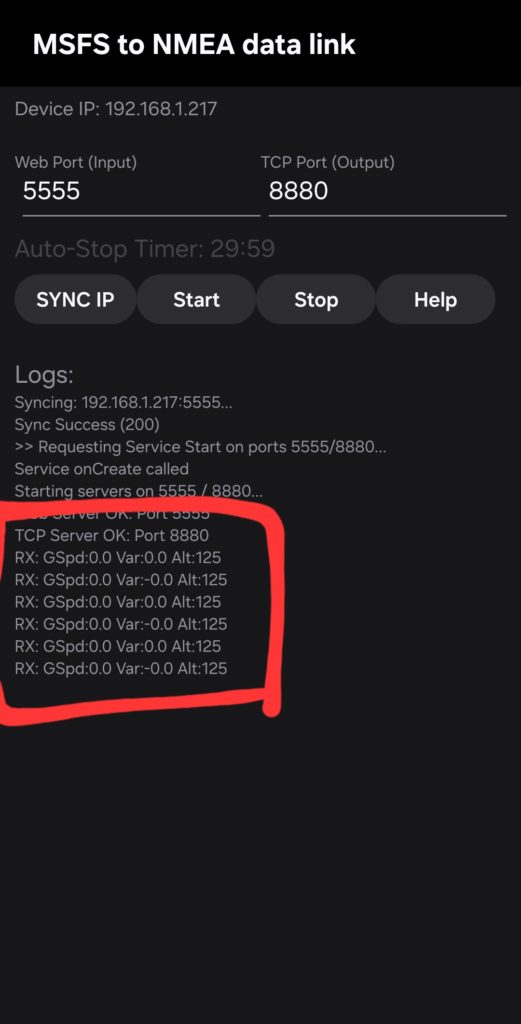
 5. Back to the MSFS to NMEA app. Incoming data should be indicated in the log as RX lines. If not – something wrong with your network, try to change ports and start from beginning, or change router settings to prevent data exchange block by firewall.
CONFIGURE CLIENT
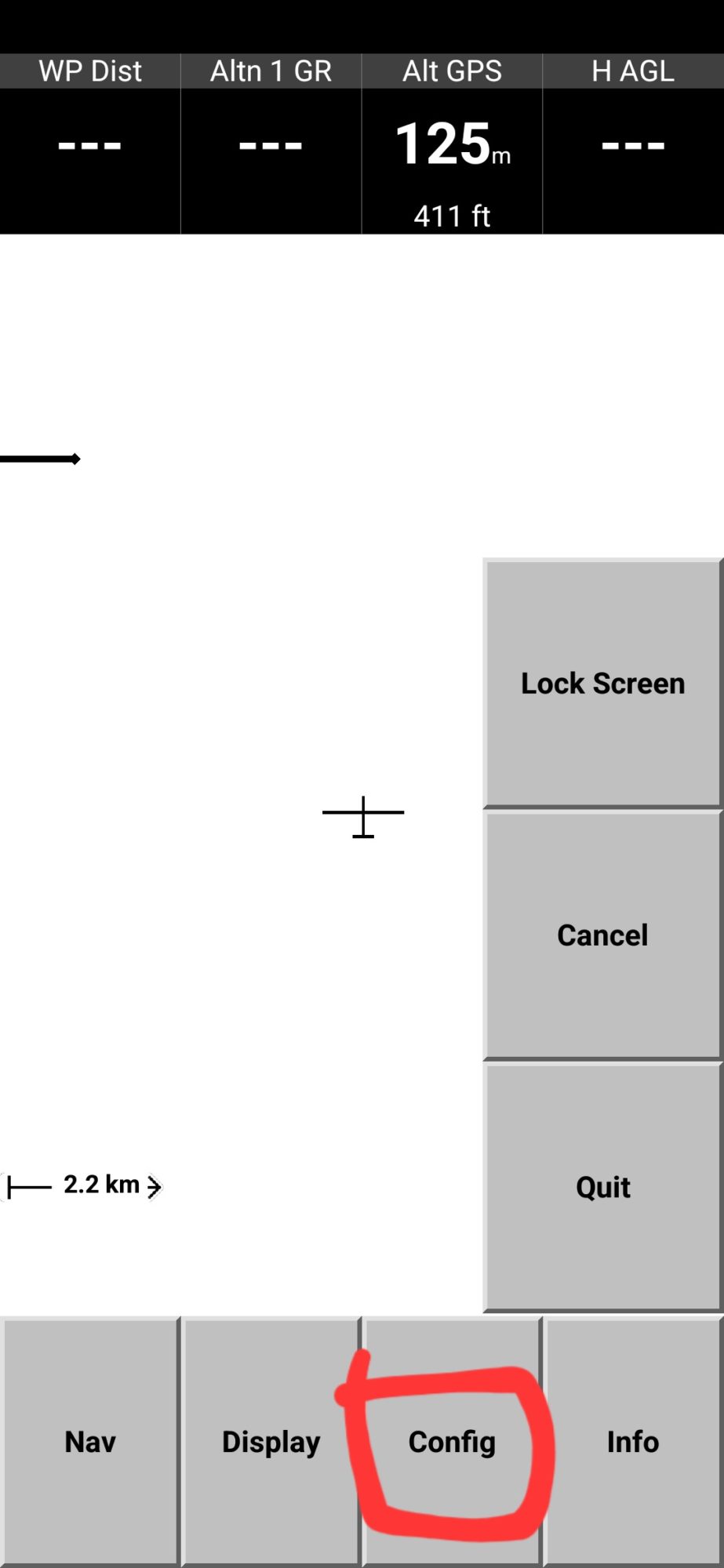
1. Now let’s configure navigation app. Will use XCSoar as example, but you can use any with TCP data call support. Open XCSoar and select FLY.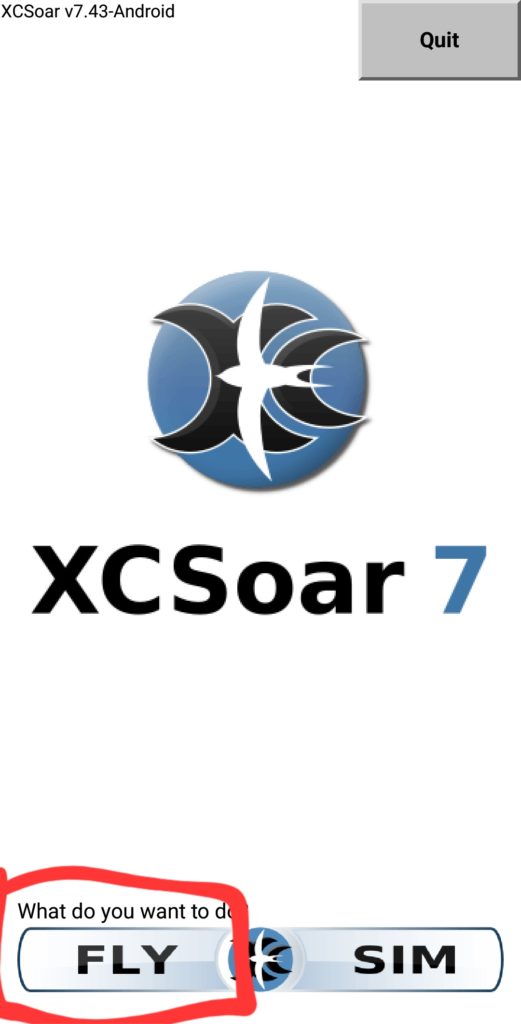 2. Tap twice the screen, choose CONFIG
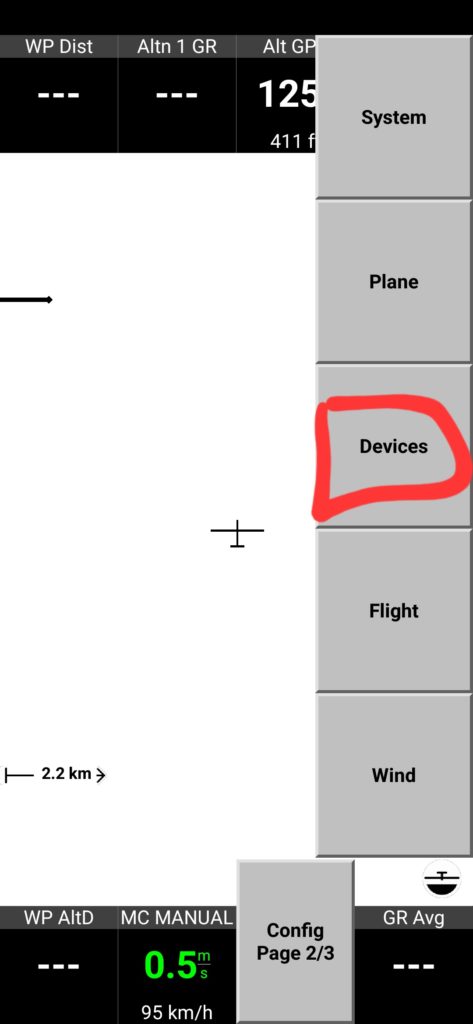
 3. Then DEVICES
 4. First, disable built in sensors. If you will not do it, your device GPS and barometer sensors data will conflict with simulator data. Select first line and tap DISABLE.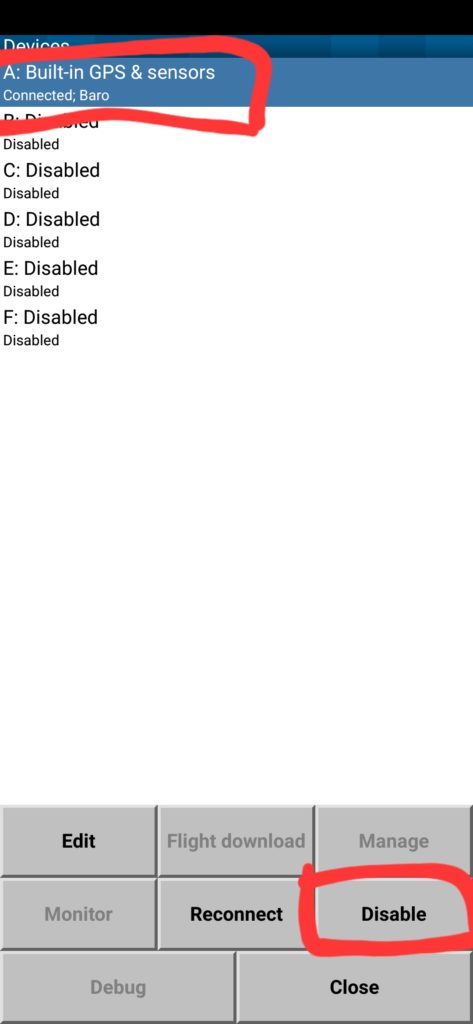
5. Then select 2nd device and tab EDIT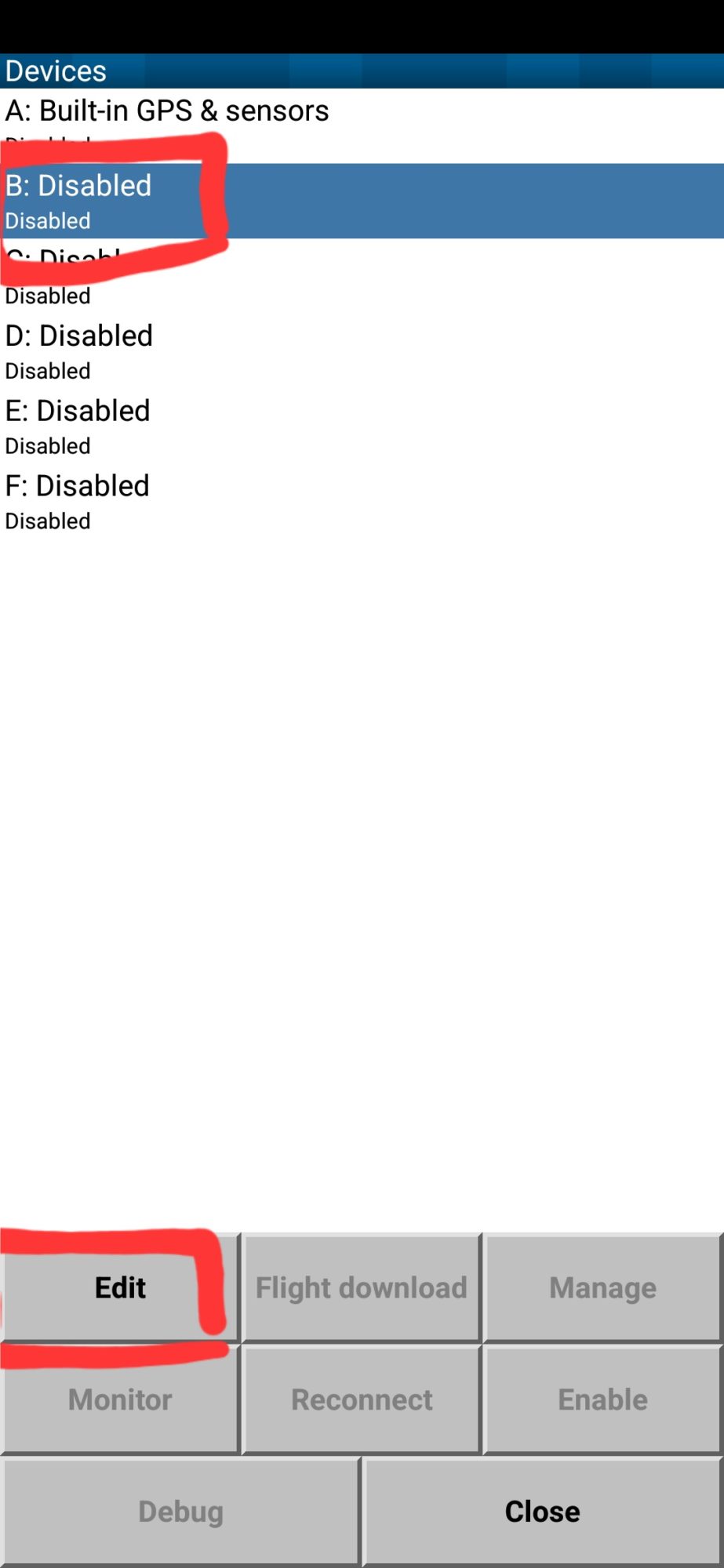 6. On the device page, set values like on the example picture.
– If your MSFS to NMEA app installed on different device than XCSoar, IP address should match local IP of the device with app installed (you can find it at the top of the black screen
– If you change TCP server port, set new value in TCP Port field.
Once finished, press OK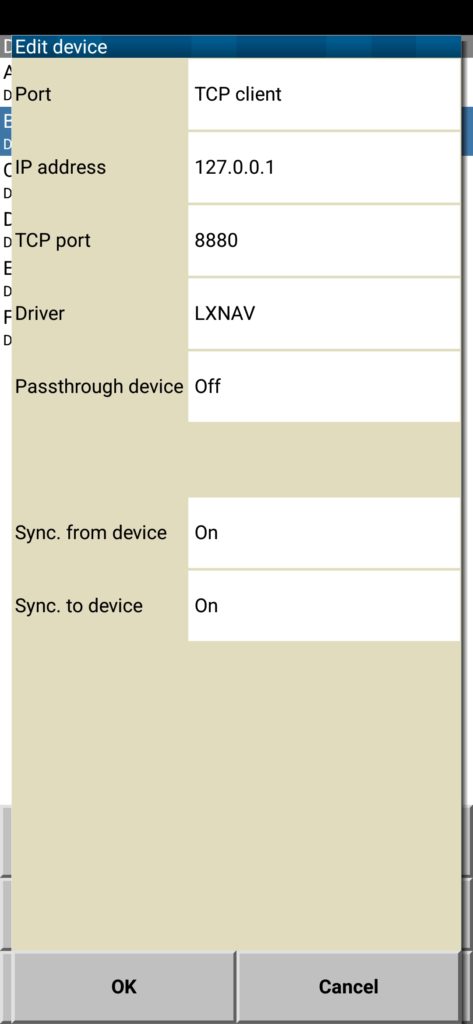
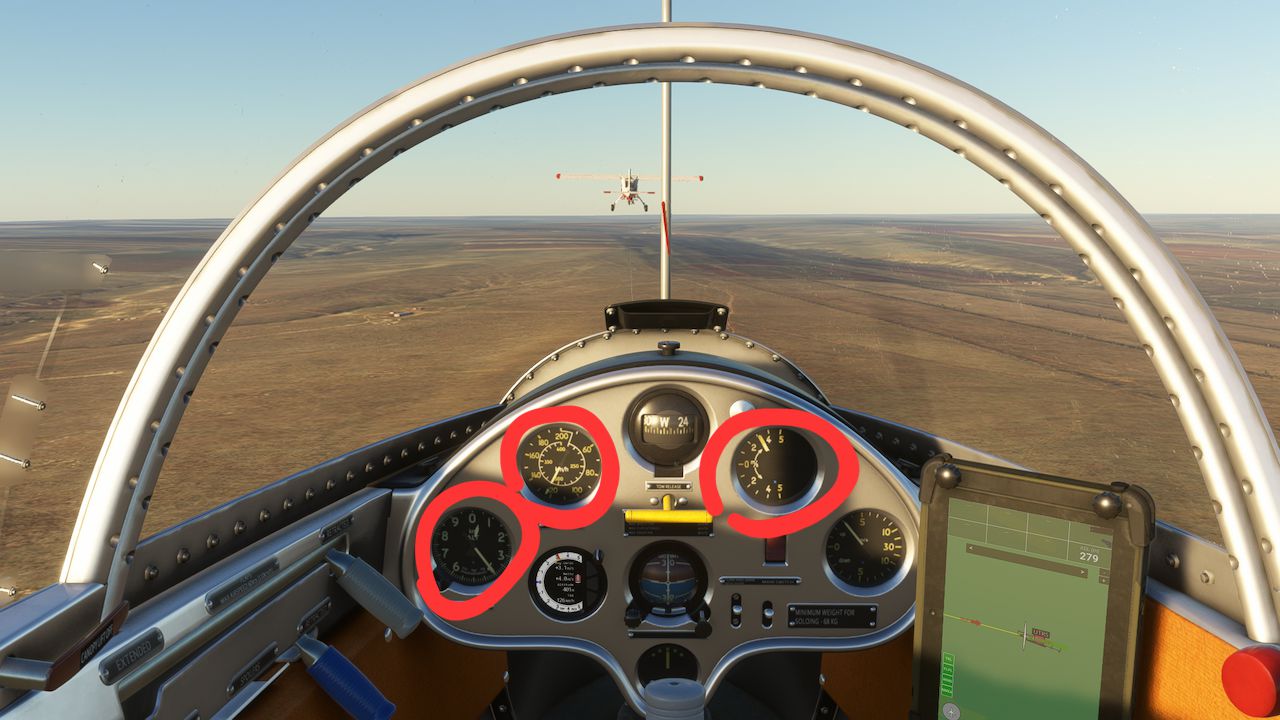
7. In the devices list, you can see such data comes from the device #2: GPS fix, Baro, Airspeed, Vario. Press CLOSE.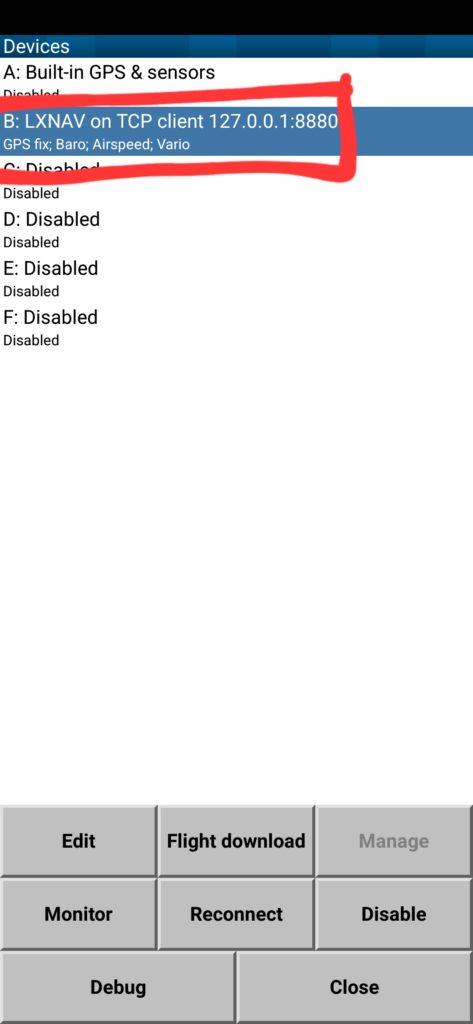 8. Validate XCSoar values with simulator data – altitude, airspeed should match.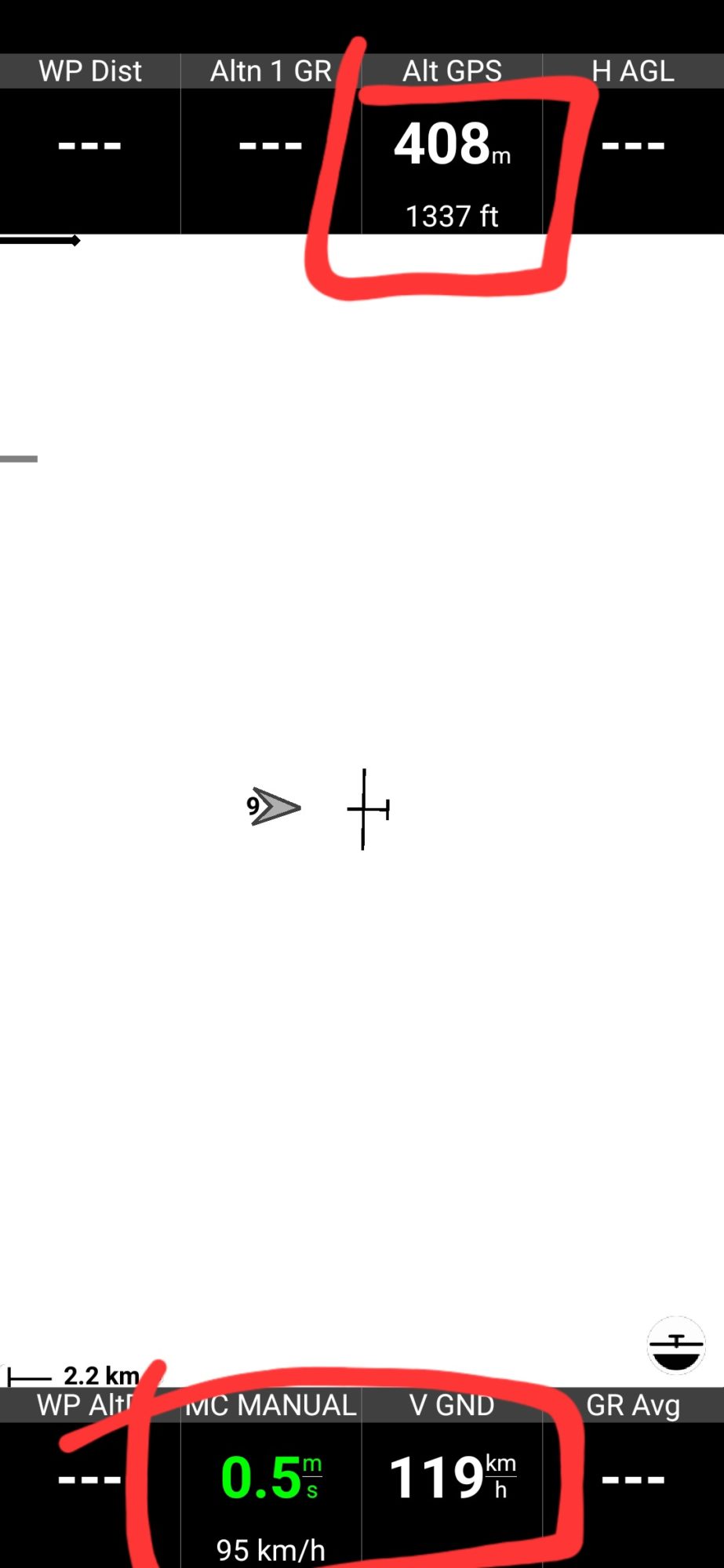
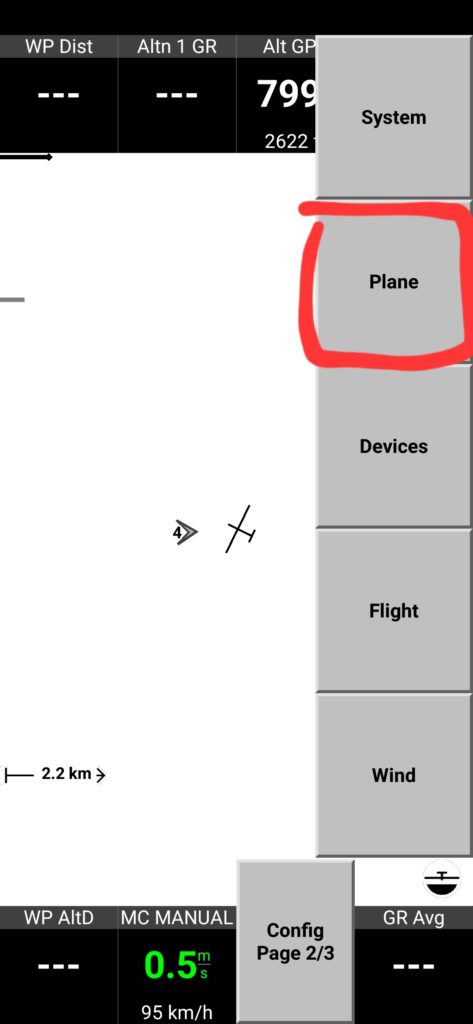
 9. Tap twice on the screen, select PLANE
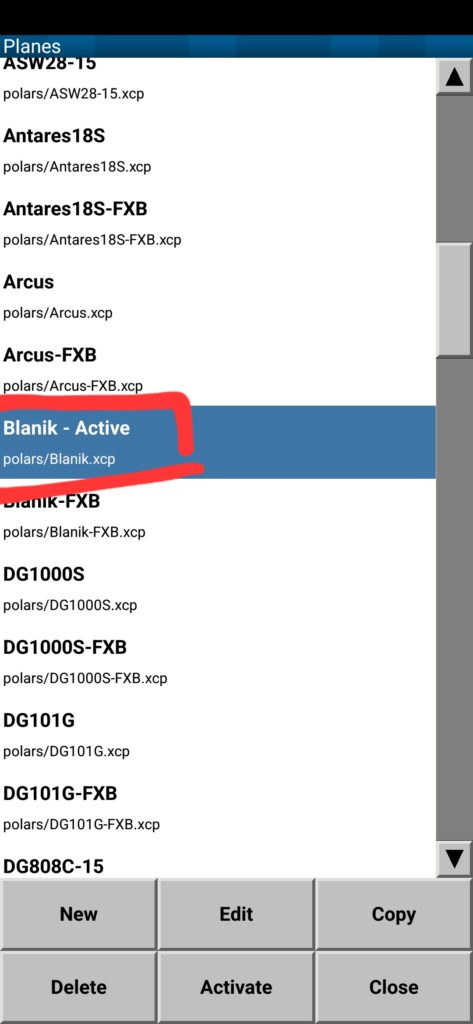
 10. Choose Blanik from the list
 11. Configure XCSoar for your needs – track indication, thermalling assist, download map for your area. You can find detailed manual on the official website https://www.xcsoar.org/
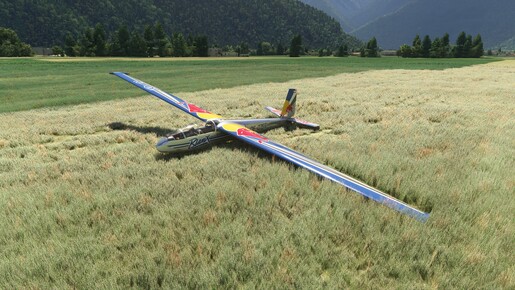


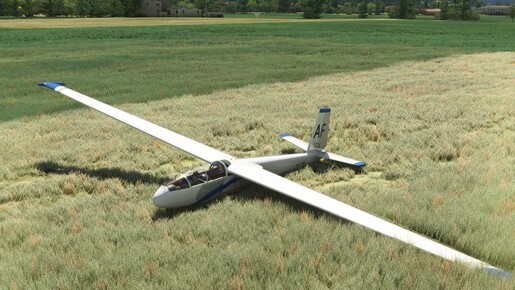
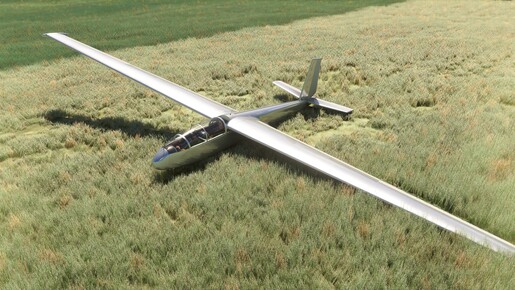
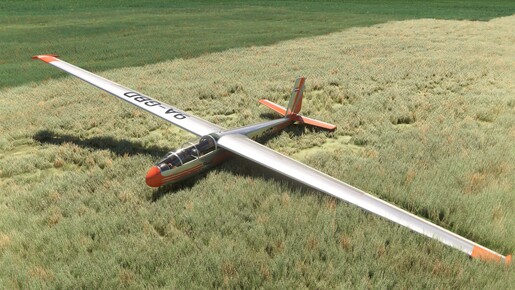
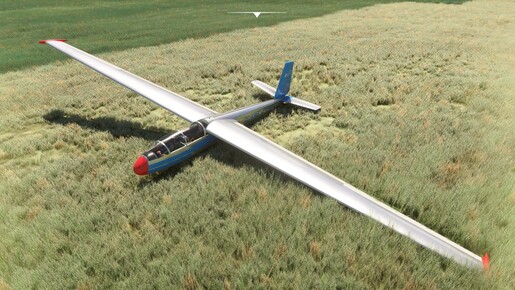
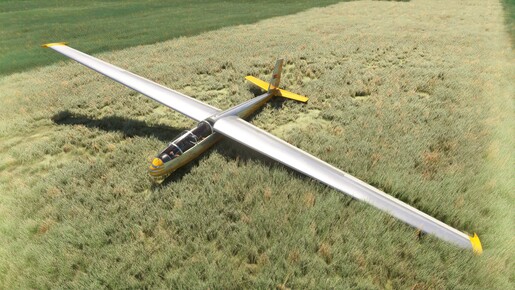
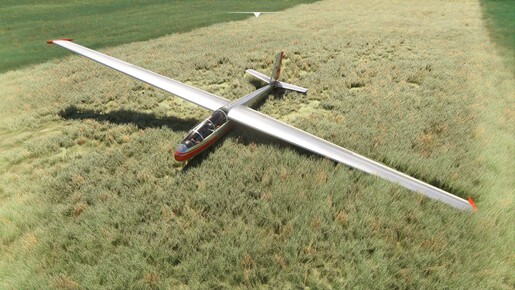
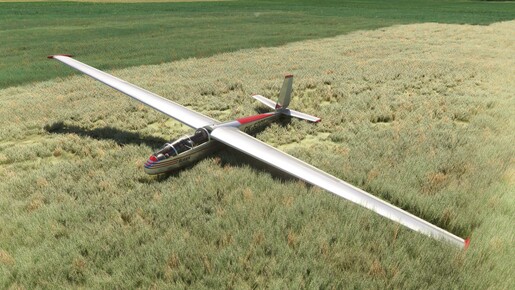
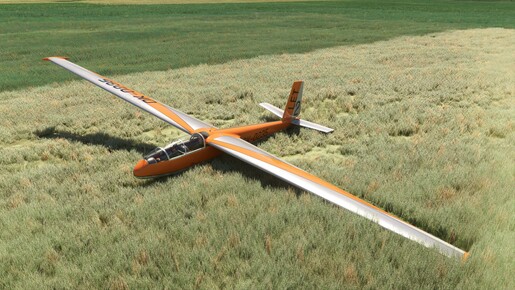
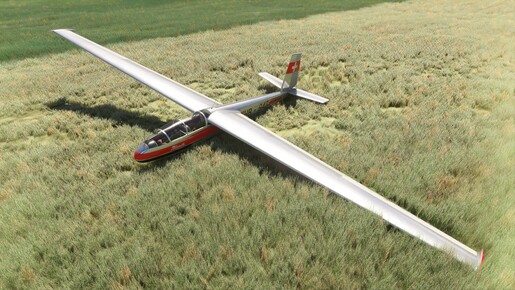
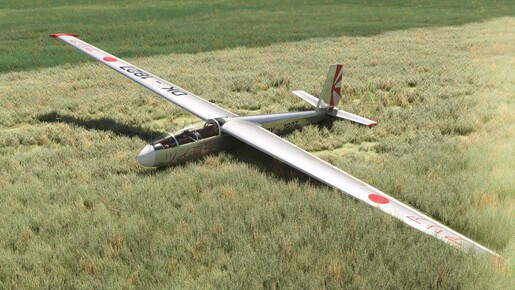
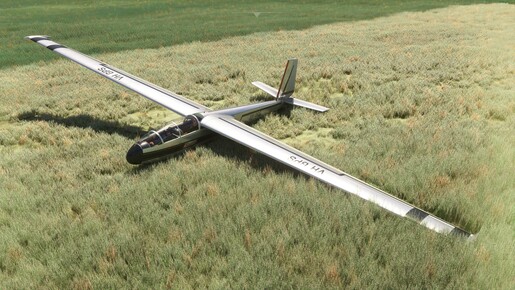


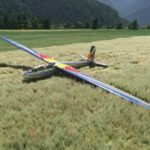
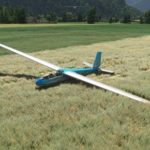
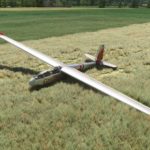
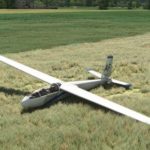


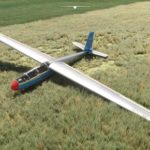
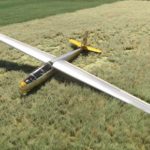
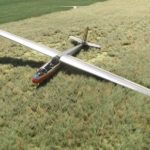
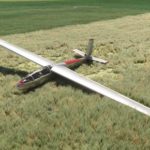
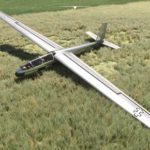
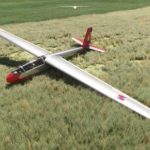
L-13 Blanik v0.15.4 (FS20)
changes:
– adjustable wind sound volume (slider at the bottom of the nav tablet)
fixes:
– CTD when throttle joystick axis used
– Wilga towplane smoother lift off
– Wilga towplane does not react on thermals on its way
L-13 Blanik v0.15.2TEST (FS20)
changes:
– Niks tube removed from the glider nose
– minor improvement of wings flex animation
– cockpit pilot can be toggled by seat base click
– vario positive tone sound replaced
– dashboard top cover shape improved
fixes:
– landing gear can’t be retracted while glider on the ground
– canopy animation does not work in multiplayer
– labels language does not fit selected livery country
– left wing looks darker than fuselage
– pilots not visible in multiplayer
– pushback people not animated in multiplayer
L-13 Blanik v0.15.1TEST (FS20)
Issues fixed:
– tow release on the ground toggle tail bracing
– trim surface animation inverted
– minor model and textures fixes/optimizations
L-13 Blanik v0.15.0 (FS20)
– unbrace process finished (start the flight on the apron/parking spot)
– once unbraced, manpowered towing will happen, use joystick and rudder pedals to move your glider to the runway
people could be visible in multiplayer but haven’t tested
L-13 Blanik v0.14.8 (FS20)
- cockpit aluminum material improved (less glossy)
- cockpit sounds improved
- flight model improved (better polar, somehow accurate stall spin)
- NMEA data export, you need to install Android app which is link between MSFS and NMEA client (XCSoar etc.)
- way too effective rudder fixed
L-13 Blanik v0.14.5 (FS20)
- cockpit textures quality improved
- checklist procedures
- parking bracings (start flight on the apron), no man towing tho
- cockpit wind sound improved
- more accurate aerodynamics values, dynamic aero center calculation enabled (caused ever worse behavior in FS24, had to place nose ballast to make it fly)
- rudder effectiveness increased on max angle (for better stall behaviour)
- USAF soaring task
Fixes:
- canopy stays visible after ejection
- Wilga accelerates too fast in FS24
- no flight plan on the nav pad
L-13 Blanik v0.12.0 (FS20)
- flight model fixes (rudder effectiveness increased, less energy loss on turns, better stall behaviour)
- navigation tablet (can parse racing tasks, data cells are clickable) doesn’t work correctly in FS24
- custom towplane Wilga (choose once, then could be remembered), has short runway take off fix (or no runway at all)
- flightstick shakes on stall and VNE reach
- Uralsk soaring task (in Custom Activities). created as tutorial because towplane does not work in bushtrips
- camera positions fixed
- new liveries (their labels language not set yet correctly)
L-13 Blanik v0.8.0 (FS20)
- interior/exterior shadow layer (AO) rebuilt, improved visuals but some shadow glitches may appear near geometry angles
- all missing materials added
- rain and frost layers set and configured for windshield
- some handles animation improved
- variometer inop when convertor is off fixed
L-13 Blanik v0.7.0 (FS20)
- front panel instruments finished
- accurate electric system (main battery lasts only ~1hr with horizon enabled, use wisely)
- some missing sounds added (slide window, vent)
- minor FM changes
L-13 Blanik v0.6.0 (FS20)
- sounds replaced (control surfaces, handles, wind)
- spoilers effectiveness decreased
- yaw stability improved
- object_class variable set
64 feedbacks on L-13 Blanik
Alex, hello!
for the past three months I have being working on a project that in fact was motivated by the L-13 Blanik that you built. It is a scenery for the MSFS2024 located in Osório, Rio grande do Sul, Brasil.
This scenery is a Flying Club, ICAO – SSOS, where I flew the Blanik, during my training almost 40 years ago. The Blanik is the only glider that I ever flew.
Nowadays the place is somehow abandoned, so the Virtual World presented itself as a good way to experince it once again. So when I could put my hands on the L-13 again, I had to built the place.
I am attaching a link to a video, so you can see it, and I would like to ask you something.
I am an architect and I worked in the past with videogame development. I use 3DS Max for modeling and animation but I have no knowledge in programing. I am having a hard time when it comes to export the animations, so the Hangars doors are fixed. (I have the animations done on 3DS Max but I can not implement it on the simulator).
Could you give me guidance on this subject?
Thanks anyway.
Adriano
https://youtu.be/iCdb5Jt6jUU?si=j_p0XRHq3w5v2gpL
Hi Alex,
Just to let you know I noticed that the adverse yaw is very realistic when spoilers are extended but inexistent when they are retracted. If you keep it the same as they are with spoilers extended for retracted spoilers it will become super realistic. Also, the immersion will enhance if the aluminium stripe at the bottom of the windshield is narrowed as well as the wall behind the glare shield. Please refer to previous posts and photos.
Thanks again for this masterpiece, among others.
About spins: the only way I managed to complete two turns in a spin was applying full aileron into the turn after stalling, otherwise the spin would transition into a spiral dive after half a turn.
you can easily do a spin in a correct way – full rudder pedal, stick to your belly, no ailerons involved. just remember that in the sim rudder effectiveness decreases to zero during stall so you need to perform it little earlier, when it still able to create yaw moment.
note: it’s about MSFS2020, aircraft behave differently in FS24. Looks like native FS24 version will require it’s own flight model.
there is a demo: https://www.youtube.com/watch?v=EoMkGqVwMt0
Hello Alex,
Thank you for your reply. I meant the real Blanik, and of course full rudder an up detent elevators.
On the real Blanik, opposite aileron in the spin would be effective and slow down spinning, likely due to washout.
Hello, just bought L13 and it looks like amazing work. Already looking forward to 1.0 version. Just little feedback, Rudder seems to work too much. In our local aero club Blaniks, you can easily keep direction in sideslip with full rudder with +- 50% of opposite aileron, you can even easily bank against rudder if you apply full aileron. In MSFS I had to apply full aileron to just keep direction, banking against rudder input was impossible.
That’s interesting as I have heard opposite opiniion 😄 but I agree on that with you, course deviation with full pedal is about 30-50% more than in real aircraft. The reason why I had to leave it like that is stall spin – when rudder too weak there will be not enough yaw moment to flip the wing and glider goes into slow nose dive instead of spin.
Flight model will be reviewed again once cockpit instruments are finished, maybe will be able to bring it to the balance.
Some ridge soaring…pure joy
https://youtu.be/8Vva1gS2YJg?si=FhihV4peevsBs_6n
Awesome flight! Thanks for sharing
>Currently available only on the MSFS Marketplace.
>Once completed, it will also be added to some external marketplaces.
I have a question: will the glider be continuously supported with updates on the MSFS Marketplace after completion?
Best regards.
Depends on what do you mean by updates.
Fixes and minor improvements – yes, Marketplace product will get same updates as the one from 3rd party stores.
Major upgrades and new features – kinda yes, but once add-on is finished (v1.0 release) we will switch to another project so updates frequency will be greatly decreased, like 2-4 per year.
If you are not willing to be beta tester just wait until final release, and then decide do you need it or not.
Hi Alex,
my findings of version 015.4 (January 9) FS24 Market/FS24 sim.
1. When re-selecting via Main Menu/Free flight/Configure, the initial model does not appear “on the desktop”, but “flies” away, after selecting from the previews it is displayed normally.
2. After selecting the pilot’s cockpit view, the “inside the head” view is displayed.
3. When selecting the Czechoslovakian (currently Czech) liveries, the labels/labels are displayed in a combination of Czech and Slovak. (I can help with the translation if interested)
Peter
(I can’t add images here, it gets stuck while loading)
Will the updates be available on the rent version in Marketplace?
I am waiting for it to be available on other places before I buy it as Marketplace can be behind in its versions, do you know which places and when that will be?
Even though it’s been a long time since I flew one IRL I specifically remember the spinning characteristics and it seems very good, well done👍
Yes, rented aircraft the same as a paid one, only with limited time of ownership.
It will be available in other stores like SimMarket, but only when completely finished – from 1 to 2 months from now.
Thank you!
I posted this video on YT.
I live relatively close to this area, the MSFS Live Weather was very precise that day. It was a blast.
We did a series of loopings in the 8:40 minute mark.
Thanks again.
https://youtu.be/wrlCbNMPdKk?si=tYv0-7yQ27mrpW7X
Awesome, thanks for sharing! Various multiplayer fixes and improvements coming soon.
It is a dream come true.
Thanks Alex Marko!
Hello Alex,
I bought it in FS2024. Unfortunately, unlike other aircraft purchased this way, the Blaník does not appear in my library in MSFS2020. If I want it in 2020, do I have to buy it a second time?
Hi! I know some FS24 products has a special mark for “dual purchase” (don’t remember how it calls for real), but as 3rd party dev we have no such option in the dashboard. I will ask our MS manager but unlikely it is possible to apply such feature for the Blanik, sorry.
They said it should, but sometimes doesn’t – issue is unknown. you may try to create support ticket https://flightsimulator.zendesk.com
Thanks for the answers, I’ll try to write to support…
Primarily I already fly in FS24, the 2020 version would be great especially for trying out a few liveries I’ve done before. That way I’ll at least be motivated to finally learn how to make them natively for FS24 🙂
* last 1.5 years
Hi Alex,
I did some rolls and I suspect you have adjusted it already as they were pretty realistic this time. Excellent work. I’ve just realised you are the creator of the Airshow Assistant. Brilliant! I’ve been using it a lot for the last 2.5 years when I’ve bought a Quest3 and returned to MSFS after 31years!
images pitot/ventury
Thanks for your work. I noticed a few things that I didn’t see on real Blaniks (not even on the web…): 1. long tube in front of the cabin (Venturi tube?) – please remove it (or leave it on the version that has it…).
2. Pitot tube (small bent one) is actually smaller than it is currently in your model, please fix it, there are a lot of photos…
3. Landing gear spur – more common is either simple, or with a spur wheel
4. Instrument panel – most commonly used Blaniks were without an artificial horizon, only some export versions had it (typically for the USSR)
5. By default, you fly from the back seat, with a student/passenger in the front.
I wish you all the best in the new year and I look forward to gradually tuning this glider icon.
thanks for the feedback.
1. already answered below, will appear only for specific liveries
2. not really smaller, but thinner, agree
3. this one is custom made indeed, stock spur will be also added later
4. ok
5. back seat will be finished to experience “instructor” point of view soon, right now you can only take role of the student (most flying this aircraft for the first time)
A few of us in the SSC group have commented that the sound in the cockpit of the Blanik is much too loud compared to other gliders
Wind volume is exact to the real aircraft, you can check my flights https://www.youtube.com/channel/UC8c1HuCGLL8xsx00830mOvA or any other available online.
You can decrease the wind sounds volume by changing Environment volume in the sound settings of the sim.
Hi,
Blanik is very noisy compared any modern glider, including the old Grob103 TwinAstir or the SZD Jantar 2.
I remember that there was a particular noise when the storm window was open and there was a slight sideslip.
wind volume adjustment will be added in next update (nav tablet slider), value is stored in user data so you can set it only once.
Hello Alex,
Please see the attached images of the canopy. As shown, they are not aligned at the same height. I hope this helps.
Hi,
I’ve just rated all fives for you at Marketplace. Tomorrow it’s the 40th anniversary of my first flight on a Blanik. I will do it again to commemorate! Thank you!
Yes, that’s what I thought too, but I tried all the liveries of Czech aero clubs and the text in the interior was always in English.
You are right, looks like I’ve broke texture selection right before release. Will be fixed soon.
Hello and thank you for your work. I have a question. Can I change the English texts in the cockpit to Czech? And how please? In the L-13 profile on the Marketplace I see Czech texts in the picture 🙂
Language depend on the selected livery – eastern Europe clubs liveries has Czech labels
Hi,
I’m glad I can be of any help. Just to clarify, I think the pitot probe is ok, what happens is that I initially thought the antenna next to it was a sort of pitot tube, that’s why I mentioned it. Having a variant without that antenna would be great!
Regarding the previous comment about the scale of the wall at the end of glareshield, I think reducing about 2cm or even more would make it accurate, instead of just 1cm as I previously suggested.
Kind regards,
F Pohlmann
That is Niks tube (i.e. TE compensation probe), was installed by the some clubs technicians to improve vario indication accuracy. Will appear for the liveries which actually had it.
Hi,
Regarding the too tall wall at the end of the glareshield, I observed that the side aluminium stripes to where the plexiglass is attached are also too large. See photos attached. I’ve been thinking that perhaps the whole panel and glareshield should be raised by about 1cm. Just a thought. Unfortunately I don’t have an L13 at my disposal to check it 🙂
Kindest regards,
F Pohlmann
yep looks like this border scaled up a bit. will compare it in details, thanks.
Although it’s been some time since I have flown one IRL I agree with Flo Pohlmann that the one I flew also had the smaller pitot
I also remember it was a great aerobatic glider and in spins it was quite steep and almost felt it tucked over
Hi,
Just to clarify, the pitot probe is there! The antenna in front of the windshield is the object we didn’t have on our Blaniks. Would you by any chance make a version without it?
I have flown it again today and found the rolls easier than yesterday. Btw, if increasing adverse yaw results in yaw oscillations, please keep it as it is now.
Thanks again and well done!
Best regards,
F. Pohlmann
I will check my archive videos were I made turns without rudder pedals for testing purpose. Applied adverse yaw in the sim from my memory and maybe the strength is incorrect indeed.
Hello again,
Just one more detail: the visible area below the windshield appears slightly too large. Given that the external shape of the model seems accurate, I suspect the discrepancy may lie in the curvature of the panel’s glare shield. It likely should be less curved and meet the “wall” below the windshield at a higher point.
Kind regards,
F. Pohlmann
looks incorrect indeed, will check it
Hi,
First of all, congratulations on your work! The aircraft is a pleasure to fly, and it’s clear a lot of care has gone into the model.
May I offer a few suggestions that could further enhance its realism. I’ve flown the Blanik L-13 extensively as an instructor, so these notes are based on real-world experience.
On the aircrafts (2) I flew, the pitot tube was the smaller type: roughly a 5 mm diameter probe, about the length of a pointing finger, bent in a 90° arc. Would you consider including an optional variant with this smaller pitot probe?
Additionally, the current wing flex behavior feels a bit unusual. At the moment, the wings appear to remain rigid up to a certain G load, then flex suddenly by a fixed amount at the tips. In reality, the flexing is more progressive and originates closer to the wing root, increasing smoothly with load. Would it be possible to model the wing flex in a more gradual and continuous manner?
I also noticed that the flight model does not feel quite accurate during 360° rolls. In the real aircraft, rolls can be sustained smoothly, whereas in the current model the ailerons seem to struggle to carry the roll past the inverted position, even at higher speeds. Additionally, the L-13 has a massive adverse yaw not experienced on your model.
Finally, the storm window could potentially be modeled with more detail to better match the original glider.
These comments are meant purely as constructive feedback, and I greatly appreciate the effort already invested in this aircraft. Thank you for your excellent work and for considering these suggestions.
Best regards,
F. Pohlmann
Hello! Really appreciate your feedback, definitely a great help. As aerobatics prohibited now, only things we can do are circles to land, soaring and stall spin, which does not give full spectrum of the experience with this aircraft.
I agree many gliders has no long Pitot tube, will separate it from the main model and enable only for selected liveries (some of ours Blaniks has it, but looks like it custom improvement).
To be honest I didn’t really tried to make wing flex accurate – added bones animations, attached default variable and that is all. I have plans to rewise it and make more accurate, I will mention in update log once such change applied, so you can test it again.
Rolls, and overall aerobatics behaviour, became quite a problem – when I apply changes to make them better, other aspects like controls effectiveness in levelled flight or even polar, get worse. Left it as is for now but we can back to flight model once visual issues fixed and planned features added (first of all need to finish gauges to make the back seat work).
Not sure why, but pilot models in the cockpit are quite buggy, they often shake, or their hands bug out of the cockpit. Otherwise very nice 🙂
PS. Do you plan on making configs, for example different wingtips? Thank you
Just bought this and running well on MSFS2024 / XBox. The Touching Clouds towplane seems to level off quite quickly, but only tried at one airport. Any advice on how to interact with the tablet/nav system? Can it be moved or closed?
Yeah it’s true, as there is no way to find runway length (without SimConnect which I am trying to avoid to make releases faster) towplane lift off very quickly otherwise if it reaches end of the short runway – it stops. If you are sure that selected runway is fine – you can choose any other towplane (Wilga by GotFriends will be perfect choice).
Nav tablet has 4 knobs for map movement and zoom, and last one for checkpoints skip.
At the top of the screen – aircraft data grid, cells are clickable – you can change each cell data, it may be aircraft data like airspeed or NETTO, and task data – distance or bearing to the next waypoint.
At the bottom left – layers toggle, you can switch visibility for the flight path, task lines and turn points, wind indication and NMEA data export pop up.
You can hide tablet by clicking on the right cockpit pocket. If you need it to move into better location let me know where, but this one is the only suitable in my opinion as on the left side are handles places.
Thanks Alex. That’s great. Really enjoying flying it!
Just tried launching with the GotFriends Wilga – all works great. Thanks for tips on nav system.
Are any of the versions in knots and feet?
Not yet but toggleable gauges units will be added in the future (approx 2-3 weeks)
But you can change tabled data units by clicking on the cell.
MSFS 2020 on Xbox crashes to home screen a few seconds after glider loads
Hi! Can you please send me an email to msfs@touhcing.cloud with the attached screenshots of your installed 3rd party add-ons? This aircraft should work properly on Xbox, both MSFS2020 and FS24, maybe we will able to find the add-on which cause such issue.
Hi I have L-13 on MSFS 20 on pc how open airbrake simulator now crash
I have update 0.15.1
And blanik is verry good done .
and small mistakes is that dont do only when the wind is strong
Blanik have more sensitive ruder (I am real glider pilot)
But I’m flying nicely
CTD will be fixed in v0.15.4
After updating to version 0.15.4, everything works great. No more crashes to the home screen. Awesome glider, thanks.
I’m a little confused too. I’m super excited about the L-13 however the “Get Latest Version” link at the top of this page appears to be broken. I understand this is a work in progress. Is there a demo version & if so how do people download it?
I am sorry, indeed I forget to mention where it can be purchased 🙂
Currently it available only in MSFS Marketplace (both 2020 and 2024) for $9.99. In FS24 it has rent options and 1 day free trial enabled, but trial is not appear for some reason – still trying to figure out why.
Once finished (2-3 months later) it will also be added into some 3rd party marketplaces.
there is no way to download it?
We do not provide demo for the add-ons, which has Free Trial in FS24